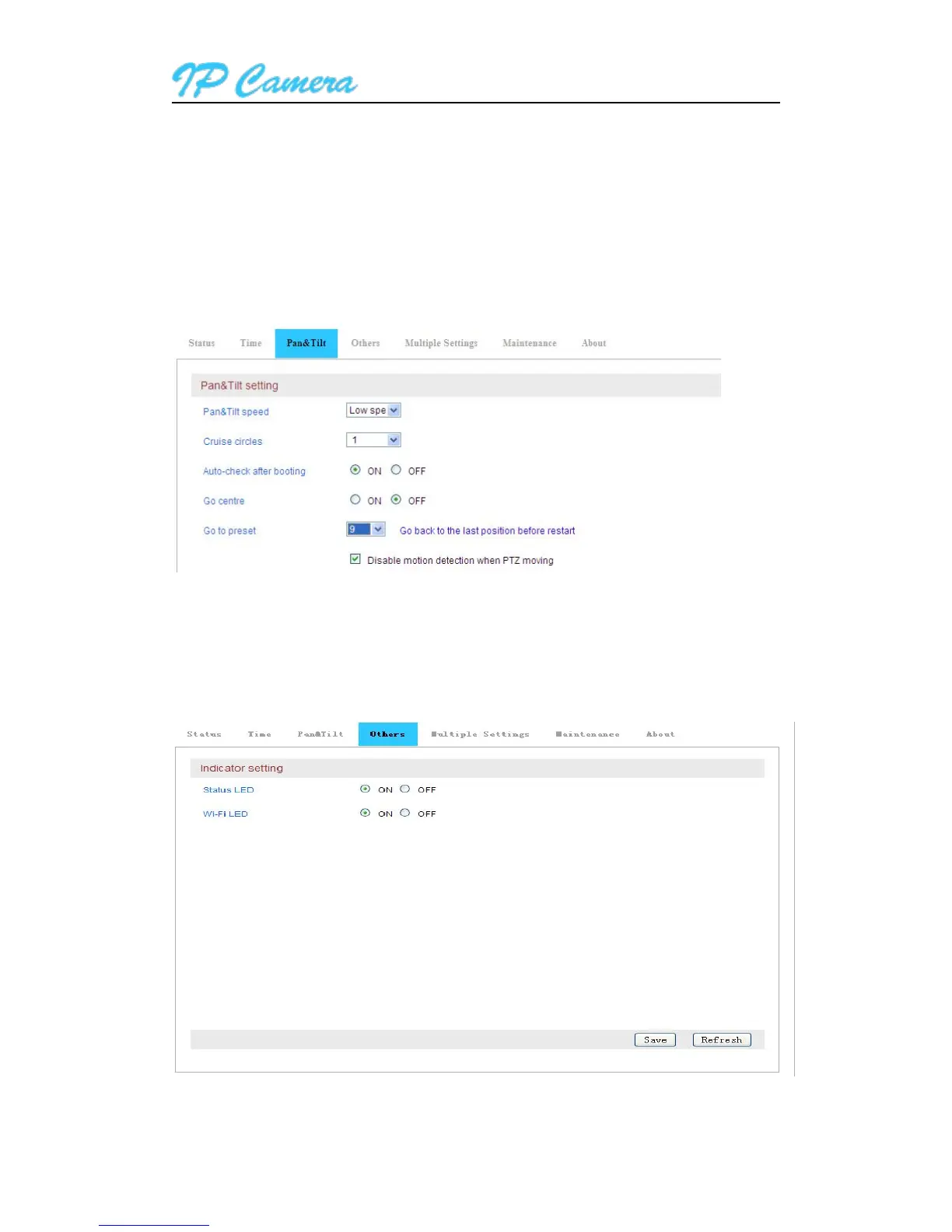
In Pan/Tilt setting, you can set Pan/Tilt speed, cruise laps(1~10 laps) and whether enable or disabl
e motion detection alarm function when Pan/Tilt works.
Call preset: 1. preset 1-8 is the setting place after the camera restart.
2. Back to the place which is setted before camera restart: when you call preset NO.9, the camera
will be back to the place where power off or restart after finishing self-checking.
Figure11



 To Next Page