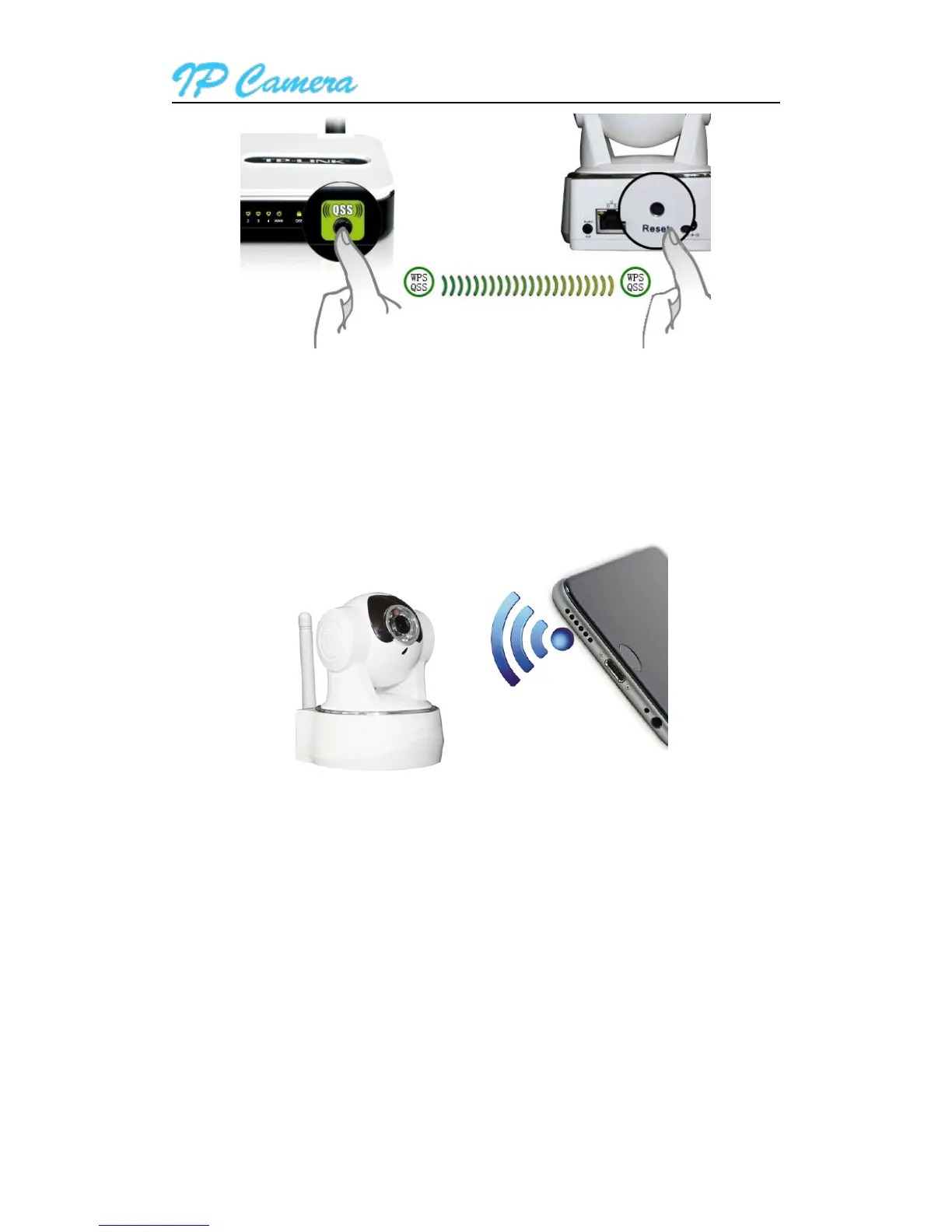
2.2.3. Mobile Phone Setting
please make sure the smartphone is connected WiFi ,Install the iSmartViewPro App in android
phone or iPhone at first, open the App, access to More interface, select “One key configure Wi-Fi” and fill
in Wi-Fi password, and then click configure to finish the setting as Figure3.
Figure3
Tips:
Before configuration, please power on the camera, after 5 minutes, you can configure the camera
(blue Wi-Fi indicator flash slowly),otherwise you can’t configure, and must power on the camera
again;
Move mobile phone speaker to camera MIC, click Configure;(please confirm if the camera have
MIC, otherwise the configuration will be unsuccessfully)
After configuring successfully, the blue Wi-Fi indicator will flash several times quickly, and then
connect to router automatically and the blue indicator is always on. You can click Configure several
times when the configuration is unsuccessfully.



 To Next Page