User manual
23
/
28
5.1.4.2
IP Flitering
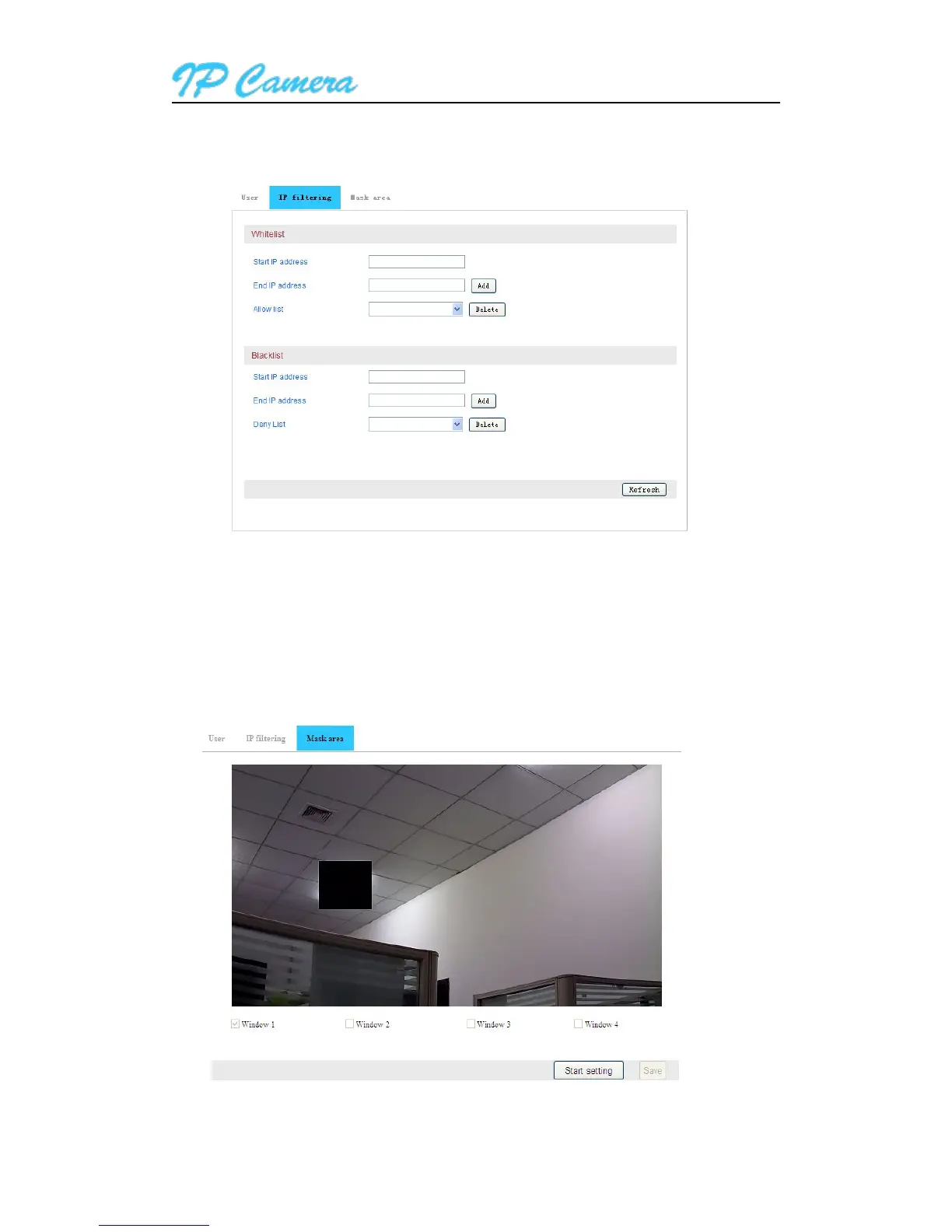
You can set up the IP filtering to allow or deny some IP address to visit the device as below. As
Figure31
Figure31
5.1.4.3 Private Area
Also you can set up some mask area you don’t want to be monitored, please click “Start setting”
to enable the function, and then ticked a window, it will show a red frame in video, click the frame, it will
become green, click and slide it you can move or resize it, and then click “Save” to finish the setting as
below. As Figure32
Figure32



 To Next Page