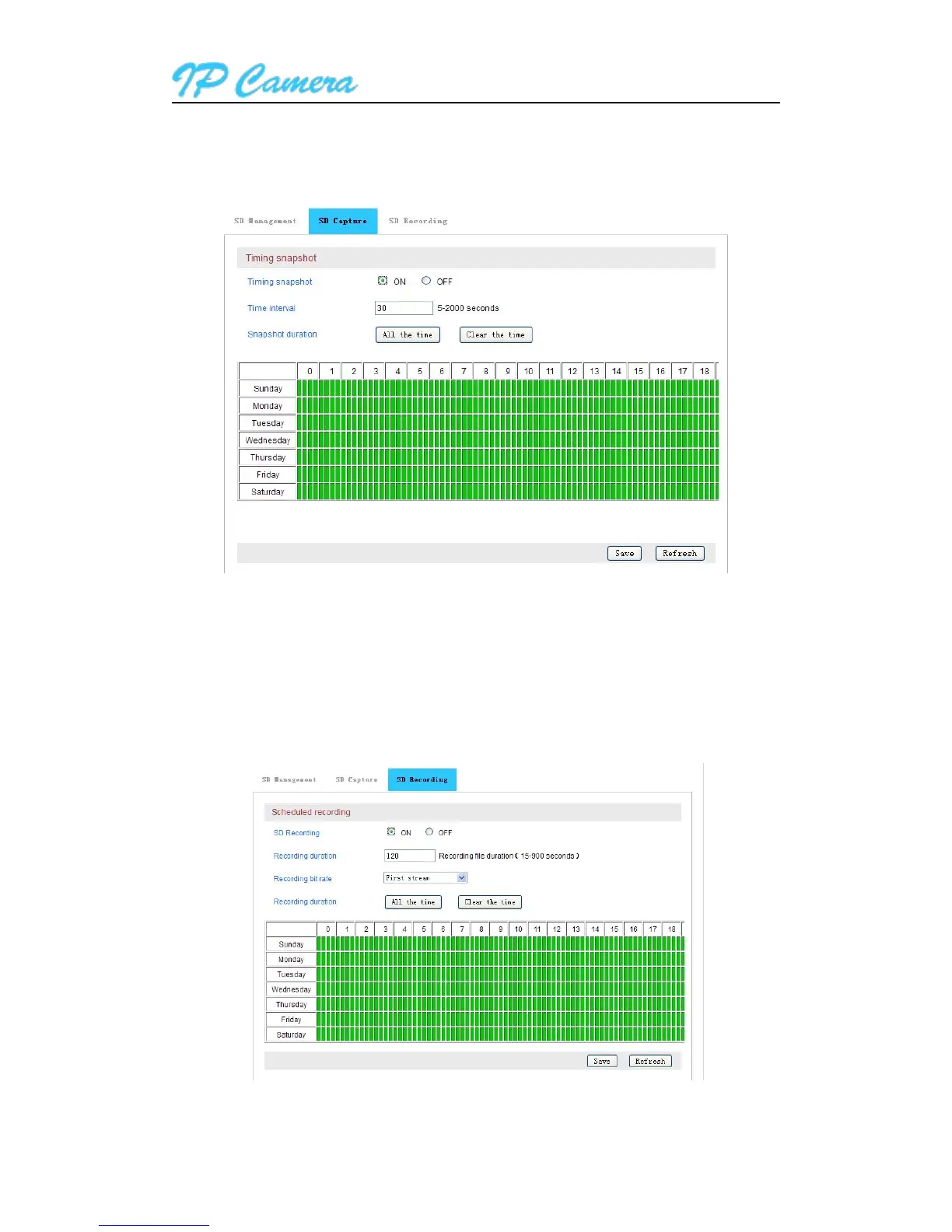
Access to SD capture, you can enable timing snapshot and set up snapshot time interval and
snapshot duration; time format is 7 days, 24 hours per day, 15 minutes per a block as Figure39.
Figure39
Access to SD Card Recording Setting, you can enable SD recording and set up recording duration
for every file; time format is as 7 days, 24 hours a day, 15 minutes per a block as Figure 40.
Tips: it will overwrite SD recording file automatically by default, also overwrite previous recording file
when the SD space is full.
Figure40



 To Next Page