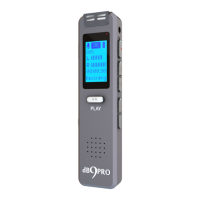
dBR-D1 Voice Recorder
4
recordings are in a folder called RECORD.
Transfer of Data: Do not disconnect the
recorder from your computer during the data
transfer process to prevent data loss.
Standby Mode: If there is no activity for 5
minutes, the recorder will power off automatically
and go to standby mode. You may adjust these
settings in the settings menu under “Auto Switch
Off”. To restart the recorder in this state, please
hold down PLAY for a few seconds.
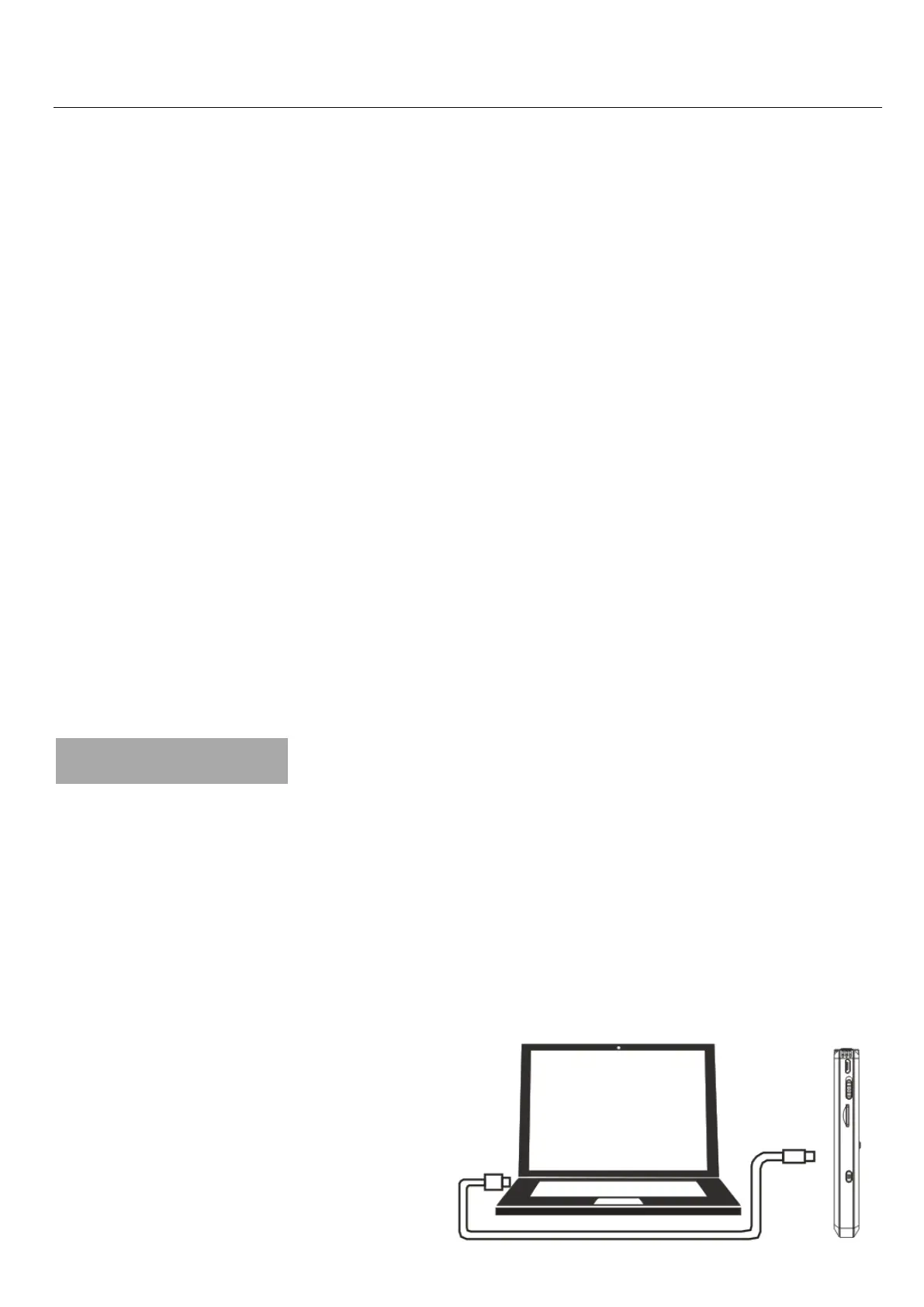
3. Charging
Please connect the recorder to your computer via
the USB cable (supplied). The power switch on
the recorder may be ON or OFF. Insert the micro
USB end of the cable to the recorder, and the
USB end to the USB port of a computer which is
ON. You may also use
a phone charger.


 To Next Page
 Loading...