5
Indication
Indicator
Parent unit Baby unit
Red Light Power is good and no signal
Flashing Red Light Battery charging when the
unit is turned off
Low power;
Battery charging when the
unit is turned off
Flashing Red Light with
“Di Di” alert in every 3
seconds
Low power N/A
Flashing Red Light with
“Di” alert in every 1
second
Low power and Out of range N/A
Green Light Power is good and receiving
signal
Power is good and
transmitting signal
Flashing Green Light Battery charging and
receiving signal.
Battery charging and
transmitting the signal.
Flashing Green Light with
“Di” alert in every 1
second.
Battery charging when the
unit is turned on and out of
range
N/A
Orange Light Scanning the corresponding code for both units
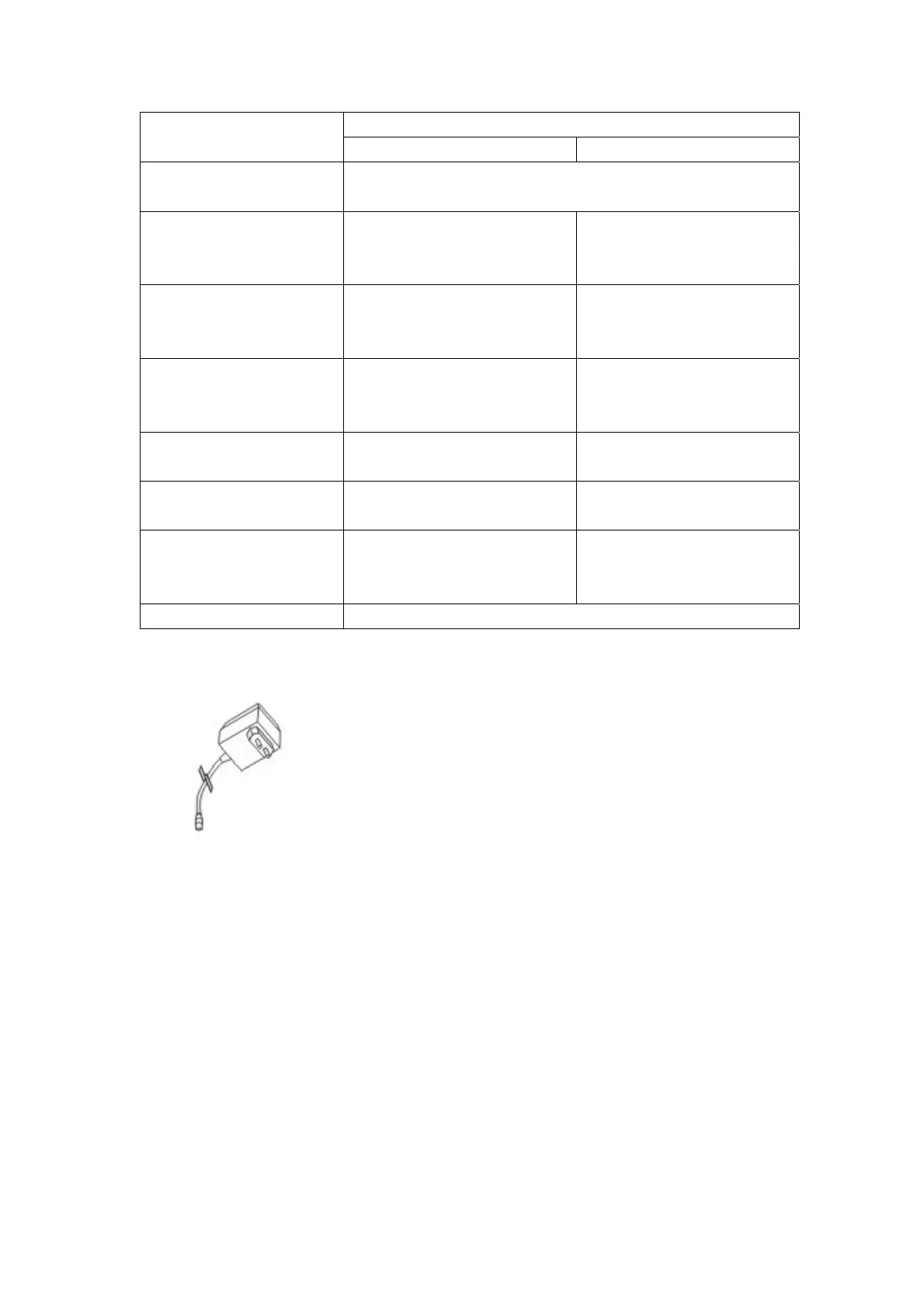
AC Adaptor:
The AC Adaptors are low voltage power source that allow you to
use your household electricity to run the Baby Monitor.
Connect the AC Adaptors to the AC Adaptor Jack in the Unit.
Both plug into any standard volt electrical outlet in your home.
It is recommended to turn off the units before plug in or unplug
the adaptors.
CAUTION: These adaptors were made with a specific design for
this product. They cannot be used with any other appliance. Never use a different type of
adaptor with this Baby Monitor.
Privacy Protection
Always remember that you are using public airwaves when you use the Wireless 2.4GHz
Digital Baby Monitor. Sound may be broadcasted to other receiving devices.
Conversations, even from rooms near the Baby unit, may be broadcast as well.
CAUTION: To protect your privacy, always turn the system off when not in use. It is
possible that the Parents unit may be interfered from other devices in the 2.4GHz
frequency range. To minimize this potential problem, more than 65000 ID code have been
provided for your use. If you experience interference while using one ID code setting,
simply select to another ID code.


 To Next Page