Mini PC User Guide
To delete a file you’ve downloaded
• Open Downloads. The files you’ve downloaded are listed in order.
• Click & hold the file you want to delete.
• Click Delete.
• Click OK.
• The file is permanently deleted.
Uninstalling Applications
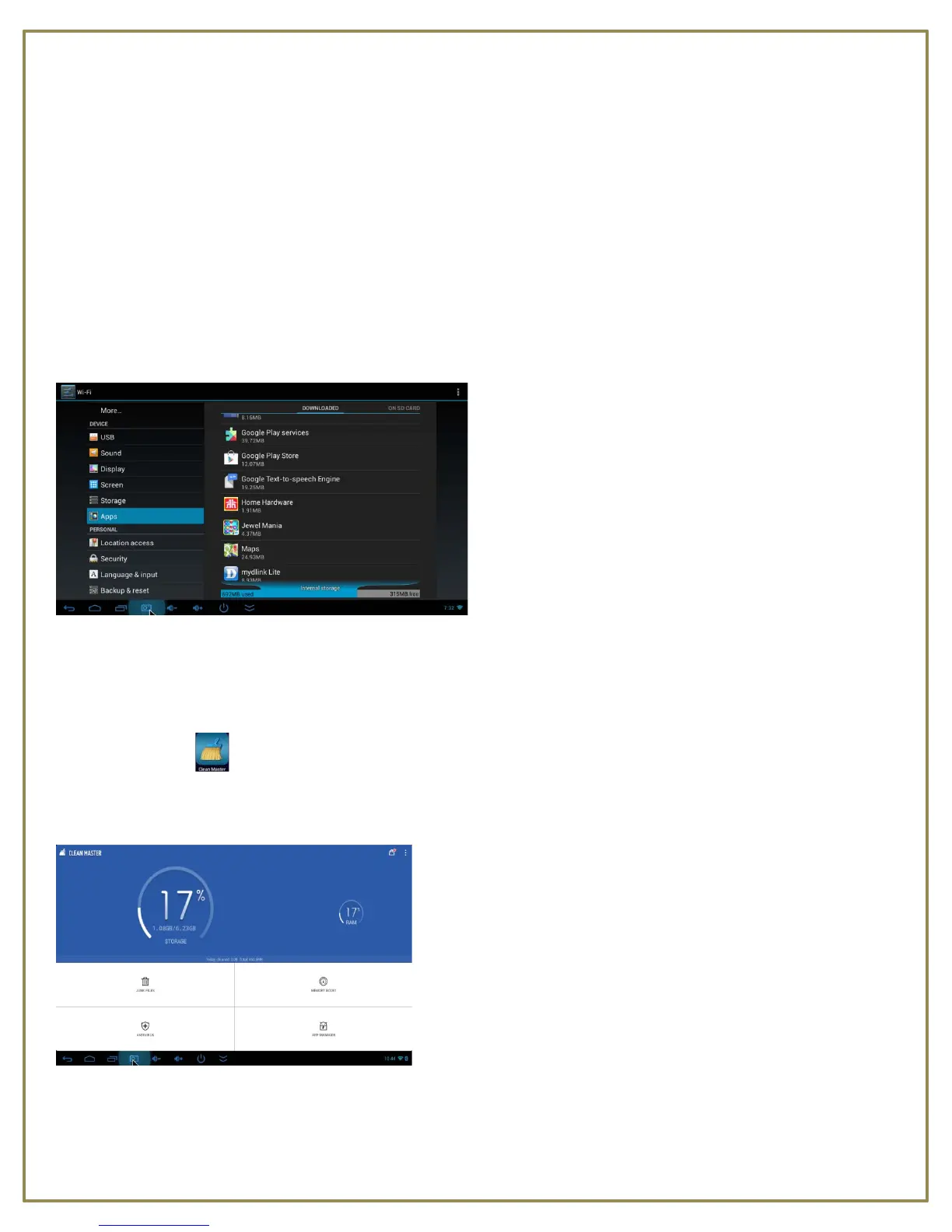
• Open Settings and scroll down the list on the left to locate Apps.
• At the top right of the window, select from Downloaded or On SD Card(Internal memory).
• Scroll through the list of Apps on the right to locate the App you want to uninstall.
• Click the App and click the Uninstall button.
• App is permanently removed.
Clean Master
Clean Master makes it easy to free up more storage on your DCSimple Mini PC™ and SD card, boost device
memory, enhance speed, stop overheating and protect your device against malicious apps and vulnerabilities.
Junk File Cleaning
Delete cache and residual files to reclaim storage, boost speed and improve the performance of your device and
SD card.



 To Next Page