8
Preview
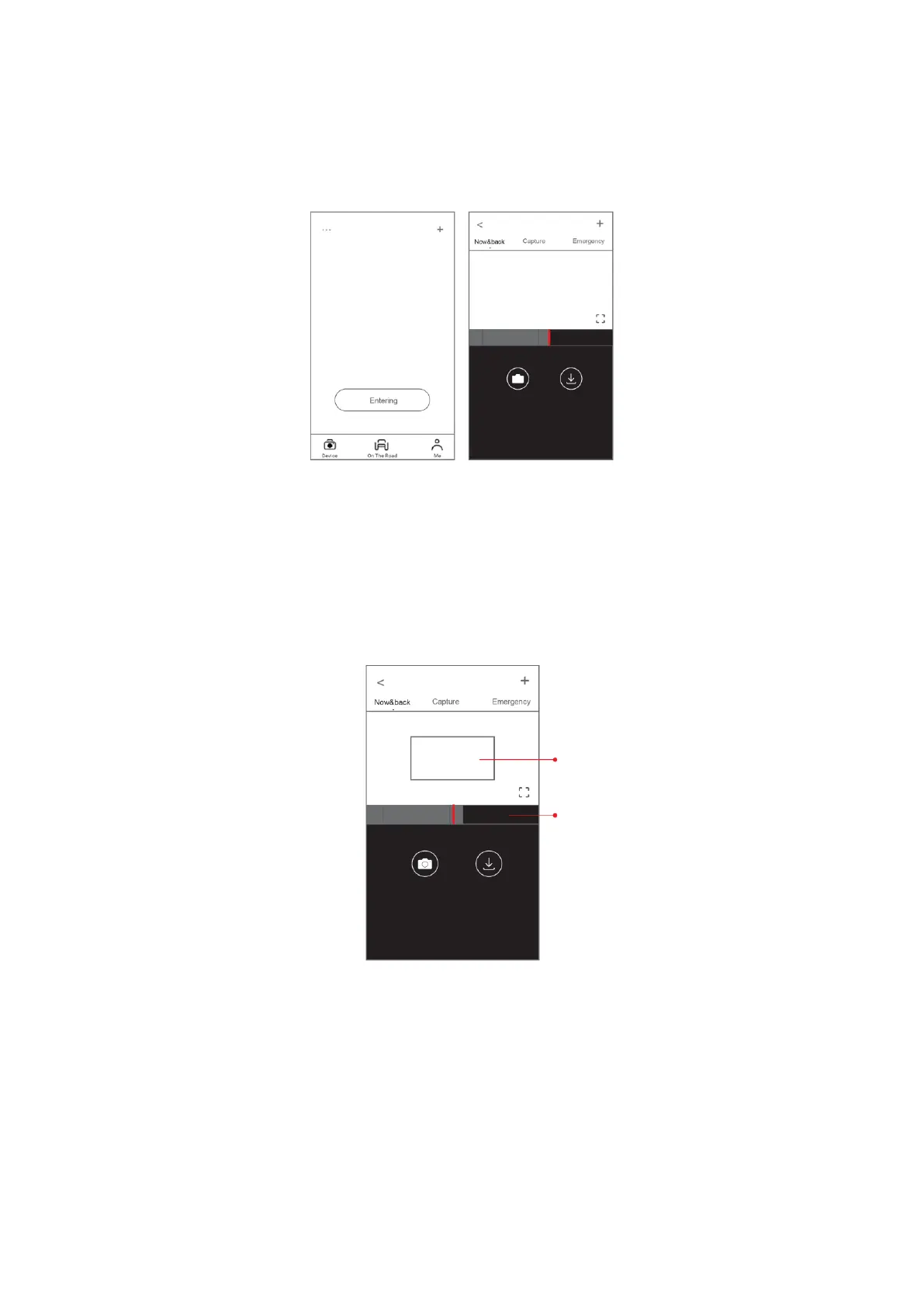
1. Open the DDPai app and add your dash cam.
2. Select “Device” -> “Entering” tab, this will bring you to the preview page.
Rotate your smart phone or press the expand icon to turn the preview screen to
landscape mode.
Playback
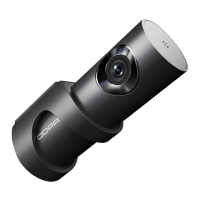
Tap and drag the timeline bar at the bottom of the screen to create the starting point of
the recording you wish to preview, then tap on the thumbnail when you have made your
selection or wait for five seconds for buffering. Now you can watch the recording.


 To Next Page