7
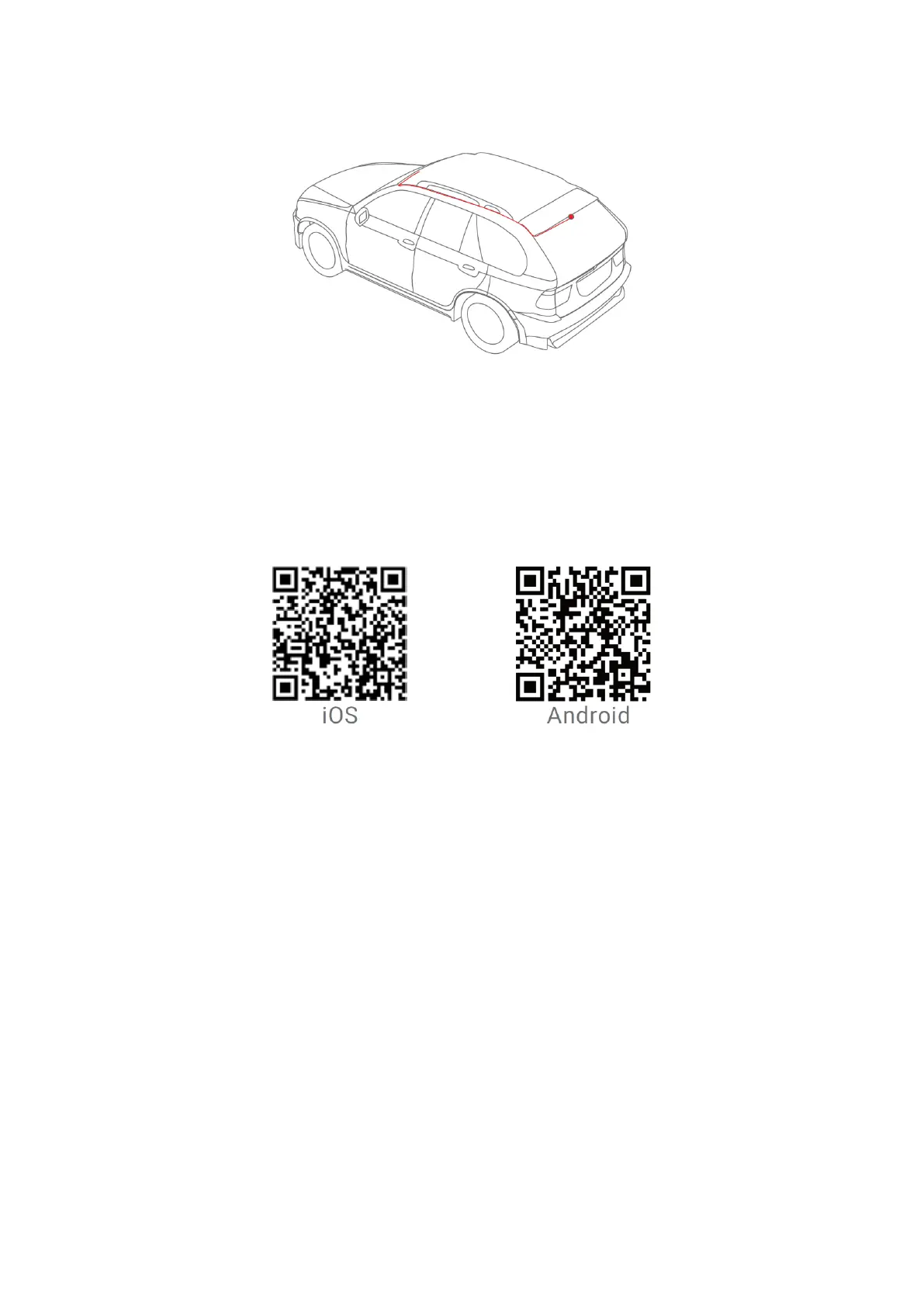
• Install the rear camera as shown in the figure below.
App Instructions
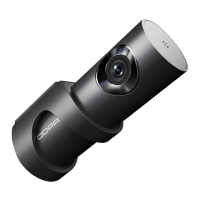
Install DDPai app
Scan the QR code to download the DDPai app.
Pair the smart phone with the dash cam
1. Keep the dash cam and mobile phone within 2.5 metres.
2. Launch the DDPai app, tap on “Device” -> “Connect new devices”.
3. Choose your DDPai dash cam from the network list.
Android: App will start to search dash cam network automatically.
iOS: Turn on the WLAN from “Settings” -> “WLAN”.
The dash cam’s default SSID (or Wi-Fi name) is DDPAI_X2S Pro_XXXX.
4. Enter the password. Default password is “1234567890”.
5. Enter the DDPai app, wait for a few seconds until the preview screen shows.


 To Next Page