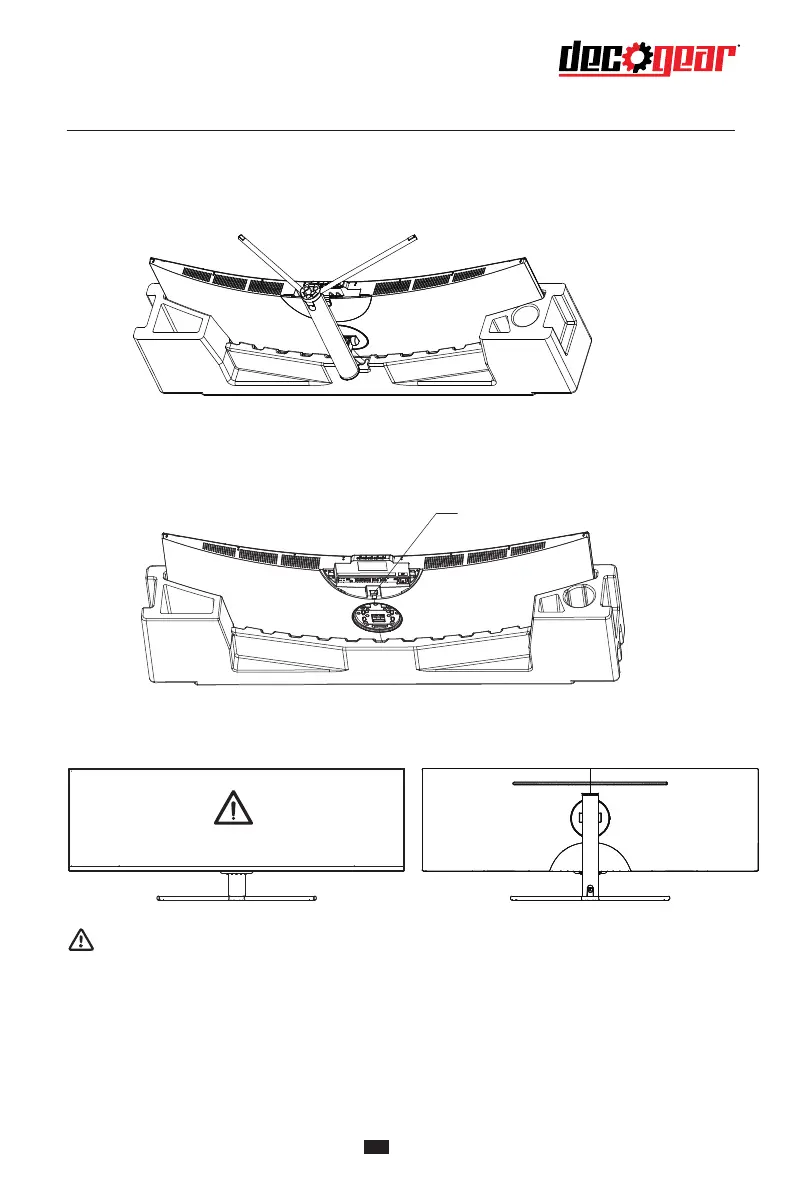
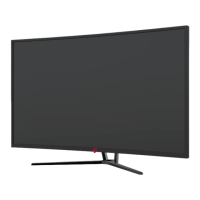
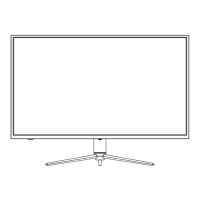
4. Align the stand stem's bracket with the opening on the back of the monitor, and carefullyinsert
bracket. The pieces should click into place.
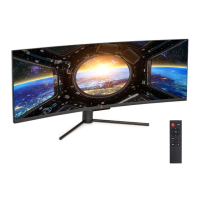
5. When remove the base, take off the decorative cover of the back shell and pull down
the quick remove button to remove the base.
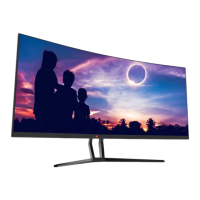
6. Simply hold the stand with hand to stand the monitor upright.
4
Do not press the LCD
Note: During standing of the monitor, do not take out the monitor from foams, and do not
pinch the liquid crystal screen with hand to avoid damage to the screen.
Button


 To Next Page