29
3
Start diagnosis
Battery itself can indicate
its capacity
Contact points are
deformed or have foreign
matter on them
Clean or repair
Charger is able to
charge a normal battery
Charger failure
Replace charger
Battery management
system failure inside
the battery
Proceed to the trouble-
shooting of the battery
management system
Yes
No
Yes
Yes
No
No
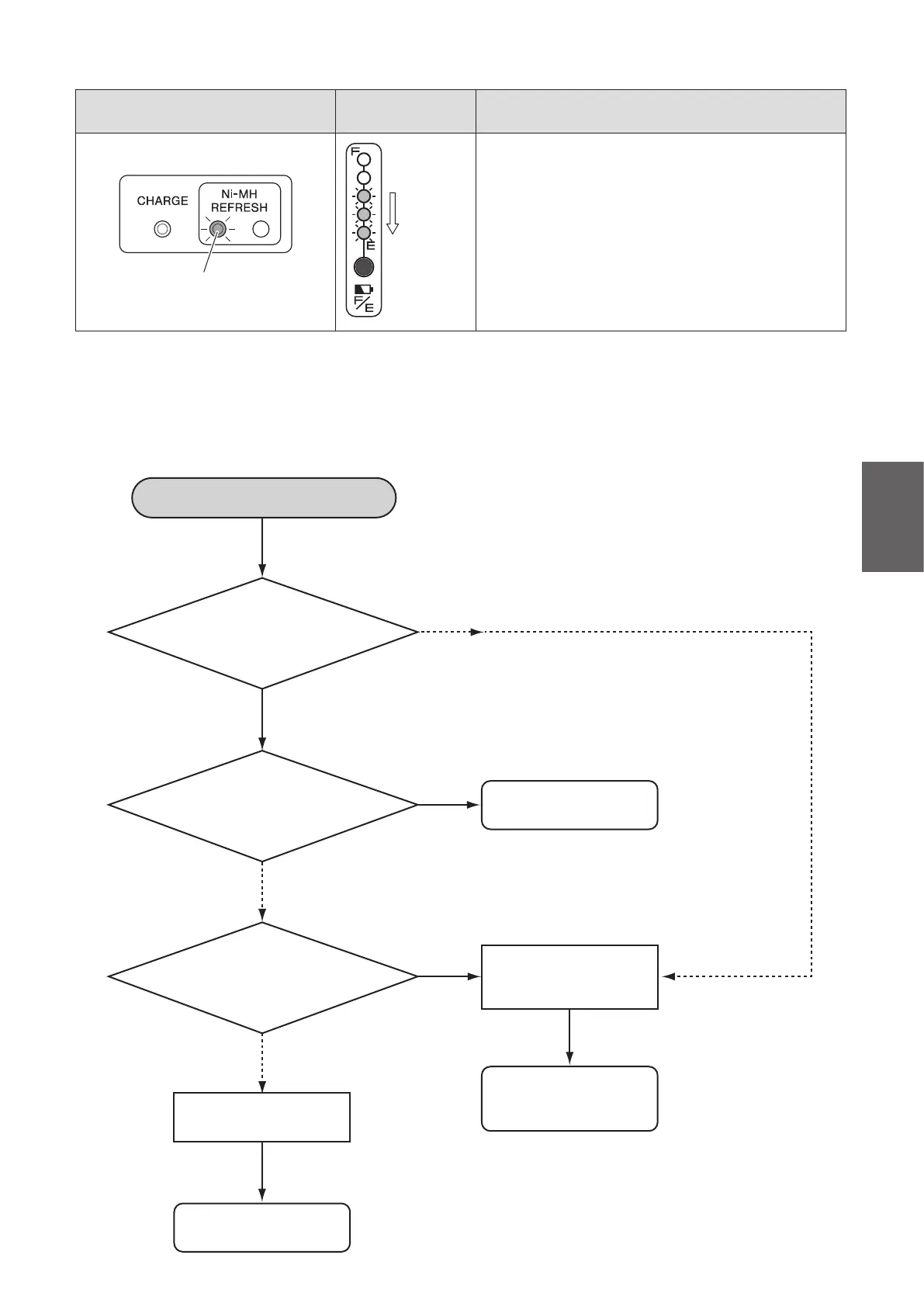
(5) Diagnosing Charger Communication Malfunction
If the charger is unable to charge due to a communication malfunction, perform a diagnosis by
referringtotheowchartbelow.
Charger lamp indication
Battery capacity
indicator lamps
Description
Refresh lamp (orange) is on
Refresh lamp (orange)
Turno
succes-
sively
Indicates refresh charging.
The remaining electricity is being discharged as part
of the refresh charging process. When the discharge
has completed, normal charging will start.



 To Next Page