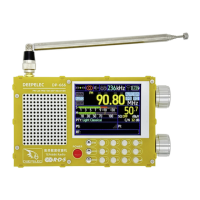
DP-666 High Sensitivity Color Screen Radio Deepelec Store : https://deepelec.aliexpress.com/store/1101363542
www.deepelec.com
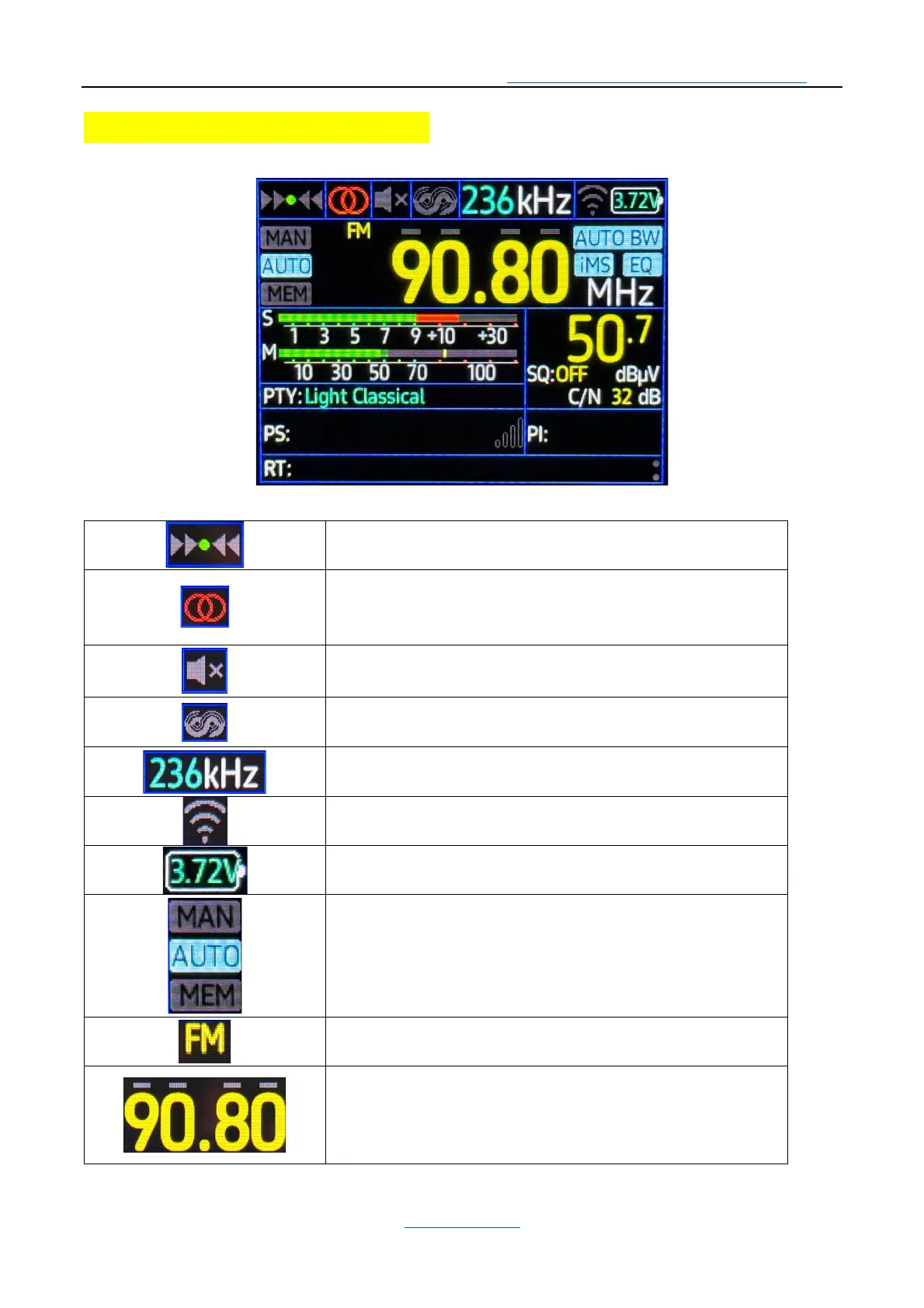
Main Interface and Icon Meanings:
The main interface of the machine is as follows:
Frequency deviation status display
Current stereo mode indication.
2 circles represent stereo mode, 1 circle represents mono
Squelch status indicator.
Highlight means the squelch is activated.
The RDS icon is displayed, and a bright icon indicates that
the RDS information is successfully demodulated.
Current demodulation bandwidth indication.
WIFI status indication (WIFI function is under development)
Battery voltage/charge percentage indicator.
Current tuning mode:
MAN (Manual frequency tuning)
AUTO (Automatic search)
MEM (Store operation)
Current working mode, LW/MW/SW/ORIT/FM
Current frequency, the small horizontal bar above the
frequency number highlights the corresponding step value;
All off means using the default step.


 To Next Page