Mode of application
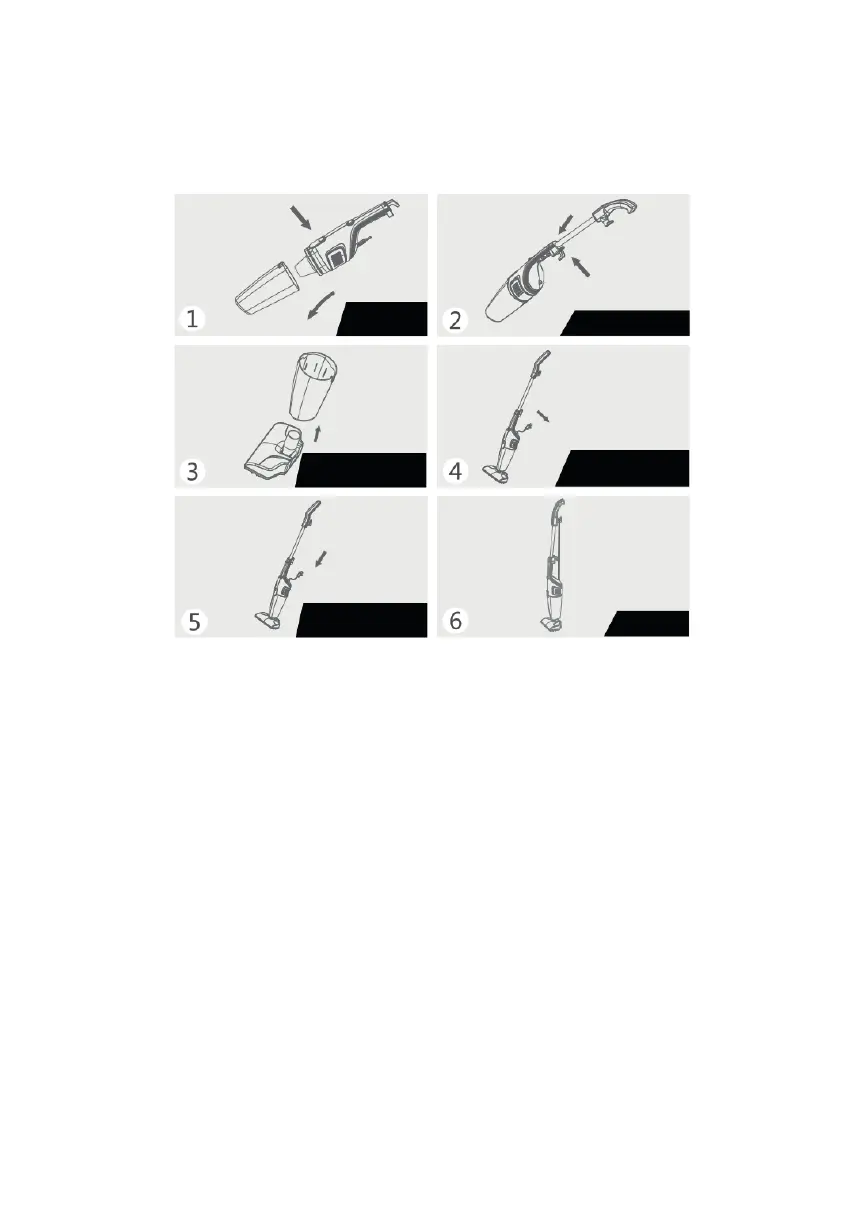
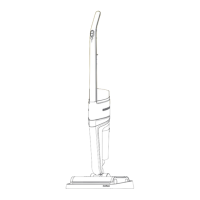
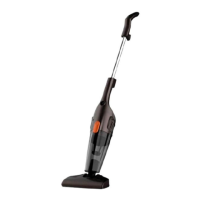
Vertical use
1. Before use, hold down the dust bin switch, open the dust bin, and check
if there is a net in the bin. After that, close the container and check the
connection of all parts of the case and turn the power switch to the
"0" (OF) position.
2. Open the latch on the back of the handle of the main unit, align the
metal tube of the handle hole and insert until it stops, then insert the latch
on the handle into the metal tube handle block retainer.
3. The front side of the floor brush is facing the power switch on the body,
firmly insert the connecting pipe of the floor brush into the suction port and
make sure the connection is secure.
4. Insert the power plug into the socket and make sure the connection is
secure, turn the power switch on the body to the “1” (ON) position, the
vacuum cleaner will start working.
5. Turn the power switch to the "0" (OFF) position and remove the plug from
the outlet.
6. Wind the power cable around the power cable hooks and store it in an
upright position.
Check
strainer
Storage
Set the handle
Turn off the
vacuum cleaner
Start the
vacuum cleaner
Install a floor
brush


 To Next Page