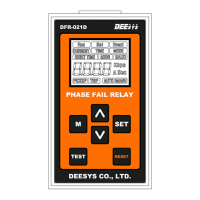
PHASE FAIL RELAY
DFR - 021D
8. Pulse Retention Time Setting
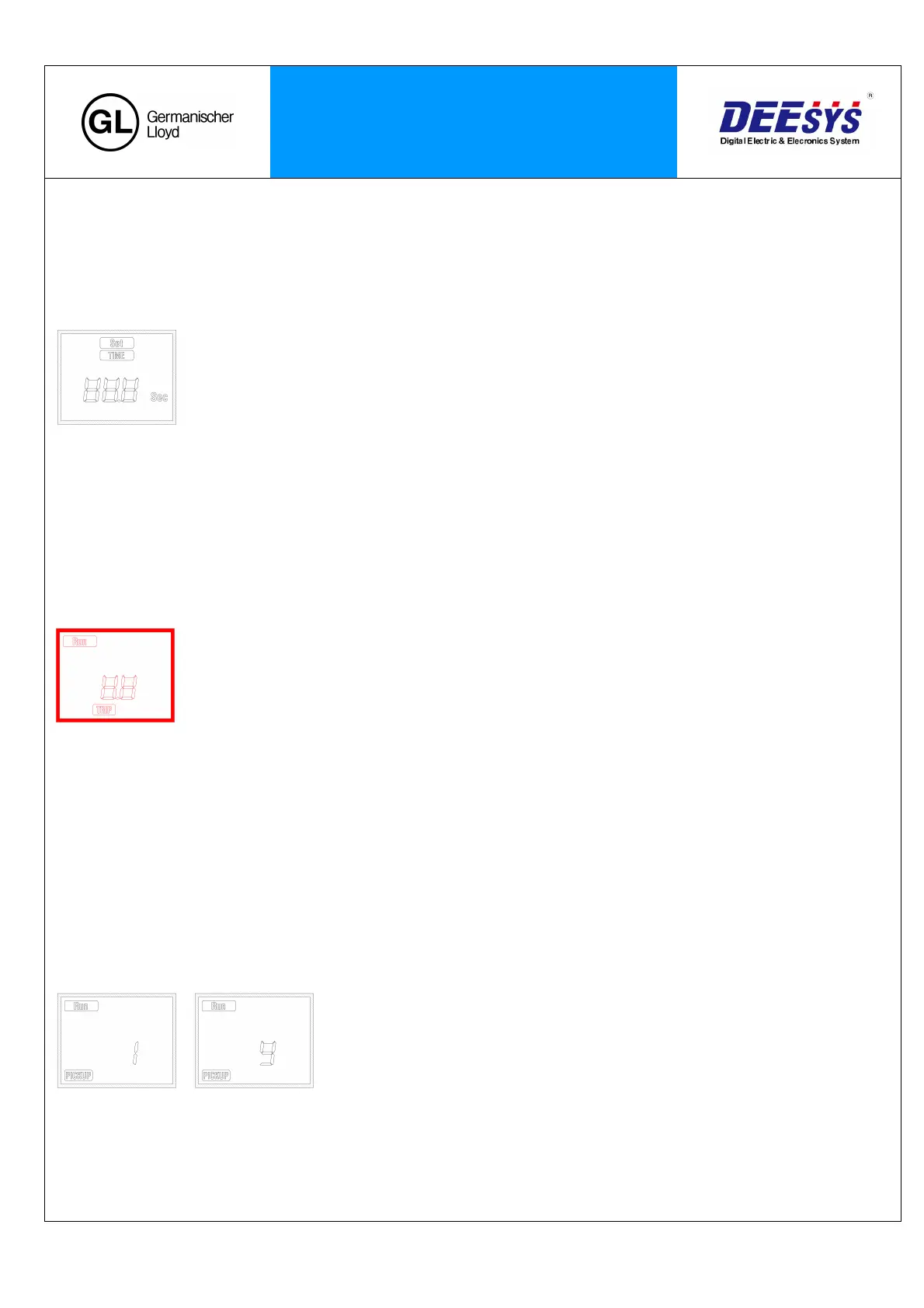
: Press the ‘▽’ key in the Output Pulse Setting to enter into the Pulse Retention Time Setting Screen. Then, the
‘SET’ indicator will blink.
: The ‘TIME’ will be on. Press the ‘SET’ key to change the set value.
‘M’ key : Shift
☆ SET Range : 0.1 to 10.0sec (0.1 step)
‘△’ key : value increase
‘▽’ key : value decrease
‘SET’ key : value save
- Alarm output lasts for a set amount of time, and the contact will return.
■ TEST Mode
Self-Test Menu is to check the integrity and condition of the circuit operation.
1. Press the SET key and Test key in the front for 5 seconds.
2. ‘TRIP’ indicator will be on, and LCD shows blinking red Back light.
☆ To prevent malfunction by simple touch, it is
designed to press the button for 5 seconds for
Test implementation.
.
- Please note that the output contact operates simultaneously.
3. Press ‘RESET’ key to restore the status display and contacts.
: Only manual return is available for TEST RESET regardless of automatic reset setting.
■ Display upon Start-Lock Operation
Upon the Unbalance, start the count for the time set in the Operation Time Setting of the Set Menu.
: The ‘PICKUP’ indicator will be on and count from 1 to 9 at x0.1 scale.
...
☆ If the Start-up Time is 30 second,
Run the count at 3 sec, the x0.1 scale.
- If the Unbalance is resolved during the Start-Lock count, it goes back to the Display Screen after
counting.


 To Next Page
 Loading...