EN
defa.com 14
Display symbols on the control box
NOTICE
To see animations that explains the different signals, go to www.defa.com or scan
QR code on last page.
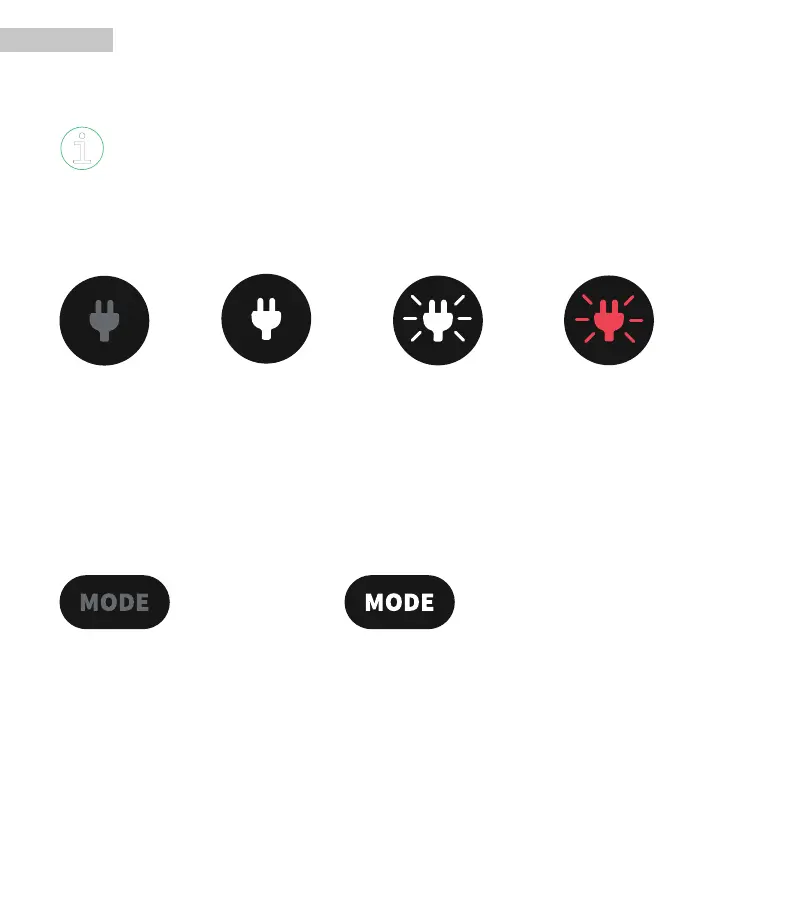
Power Input Indication
Indicates if the charger is connected to power or not.
No light – Power off Light on – Power on Pulsing - Charging fin-
ished
Pulsing red - Error
Mode Button for charging power adjustment
Press the Mode Button to toggle between Normal mode/Low mode/High mode. The modes will
appear in the following order: Normal (default starting mode) → Low → High → Normal →.
When the Mode Button is pressed the light will be lit for 5 seconds and then fade. Charger Status
Indication will blink for 2 seconds, then stay lit.
No light - Normal mode Light – Low or High mode is activated


 To Next Page