www.defa.com
6
English
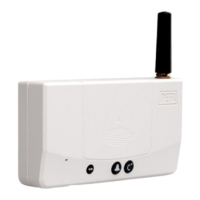
THE INDICATOR LIGHT ON THE BASE UNIT
The Base Unit has an indicator light that tells you about the signal coverage and the communication
features of the GSM network. The indicator can be found on the left-hand side of the unit.
Constant green light: Connection to DEFA Home server and mobile network OK.
Flashing red light: Missing SIM card or a faulty SIM-card.
Flashing alternating
red/green light: SIM card is locked, PIN failure or no mobile network coverage.
Flashing green light: Mobile network coverage but no contact with DEFA Home server.
If the DEFA Home subscription is not registered or there’s no signal, the indicator light will
flash alternately in red/green. Please contact our customer service centre if this continues.
CONNECTING DEFA HOME ACCESSORIES
For using the DEFA Home Base unit with the DEFA Home Socket and other accessories please
refer to the instructions included in each piece of additional equipment.


 To Next Page