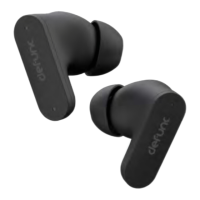
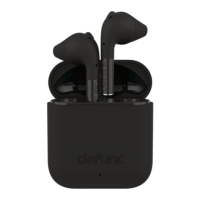
LED light
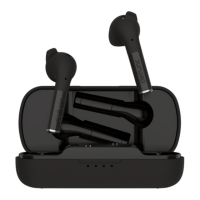
Pairing mode = Red/blue
Powered on, no pairing mode = Blue
Paired = Red
Charging = Red
Fully charged = Blue
USB-C port
Charge earbuds: Plug the charging cable end with USB-C port into the
earbud and the other cable end into a power source.
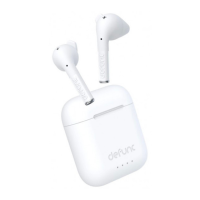
Charging = Red LED light on earbud box.
Fully charged = Blue LED light on earbud box.
WARNING!
• Do not attempt to repair the earbud. A faulty repair may lead to fire,
electronic breakdown or a damaged product.
• Do not use the earbud in an environment where the temperature is
below 0 °C or above 45 °C.
• Avoid using a device indicator light near the eyes of children and
animals.
• Do not use the earbud in thunderstorm weather to avoid abnormal
earbud behavior and the risk of shock.
• Do not wipe the earbud with oil or other volatile liquids.
• Do not wet the earbud.
7


 To Next Page