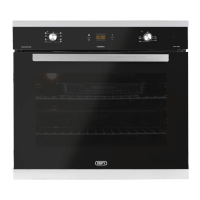
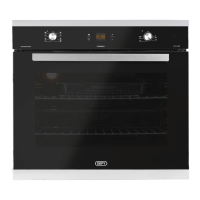
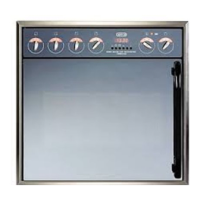
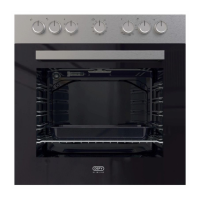
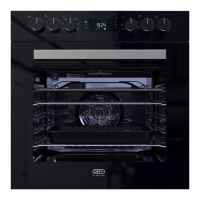
THE CONTROL PANEL
THE OVEN THERMOSTAT IS MARKED DOWN TO 70°C.
WHEN SET TO THIS POSITION, THE OVEN MAY BE USED AS A WARMER
AUTOMATIC OVEN TIMER / CLOCK
BUTTON FUNCTIONS
1 = MINUTE MINDER
2 = COOKING PERIOD
3 = STOP TIME
4 = MANUAL CONTROL
5 = SUBTRACT
6 = ADD
SETTING THE TIME OF DAY
• When the power is first connected ( or after a power failure), the clock display will
flash 00.00.
• To set the clock, press buttons 1 and 2 and hold them down.
• Press buttons 5 or 6 until the correct time of day is
displayed.
• Release the buttons. The clock is now set.
• Please note that the clock has a 24 hour display.
• For example 3.00 PM will be displayed as 15.00.
Automatic
oven timer
and clock
Oven thermostat
and indicator
light
Variable
grill
STOP
+
-
S
GEMINI PETIT CHEF
12:45
1
0
8
1
0
8
+
-
65 4321




 To Next Page