locker-manual_en_896328_v200915
8. keyTag removal and return
8.1 Removal
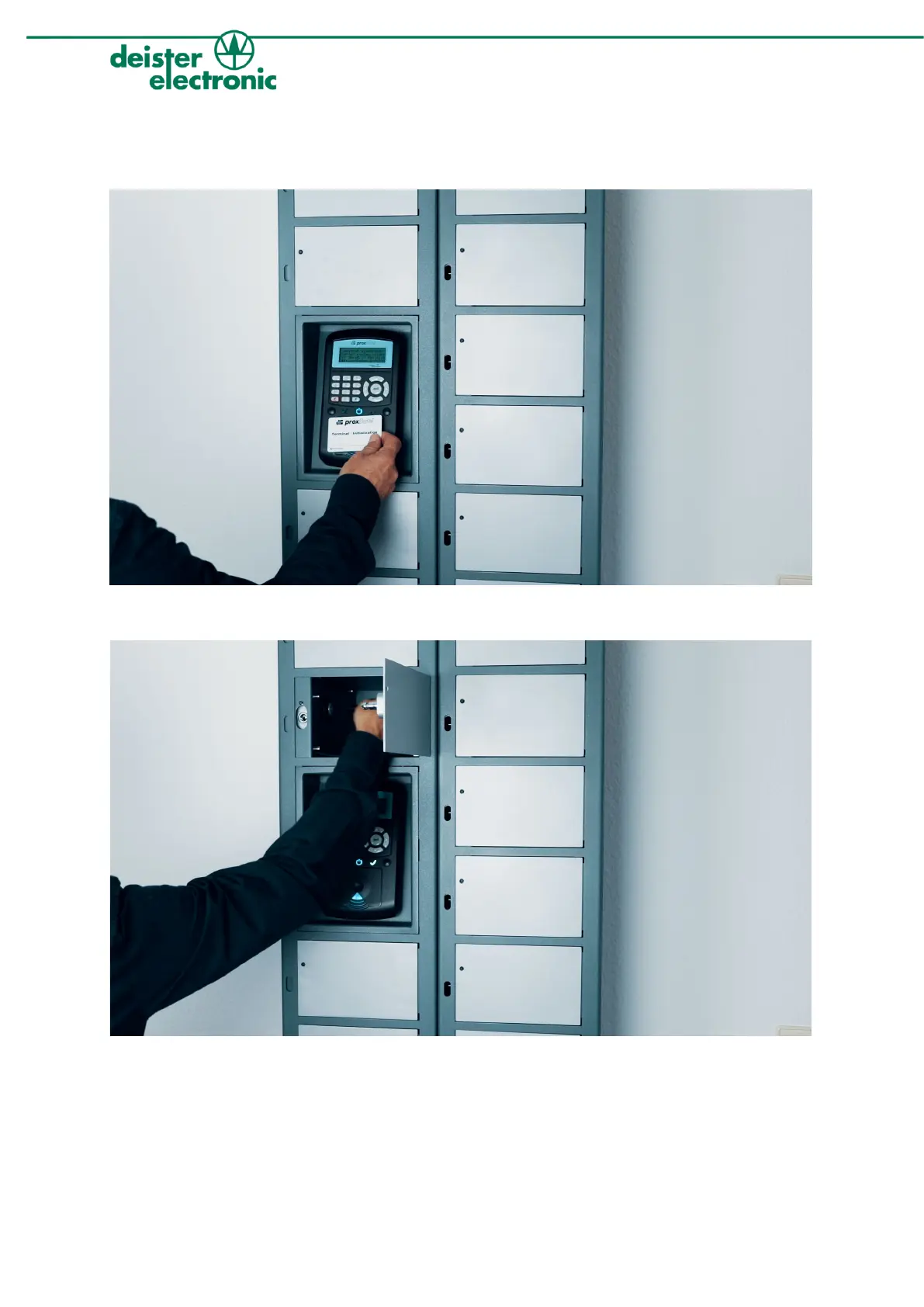
4. To remove a keyTag, you have to identify yourself with a transponder as shown in the image.
5. Afterwards select the desired keyTag via the terminal‘s keyboard and confirm your choice by pushing the
button with the green arrow. A LED light shines on the corresponding compartment. Open the compart-
ment by slightly pushing below the LED. Now you can remove the desired keyTag (view image).


 To Next Page