locker-manual_en_896328_v200915
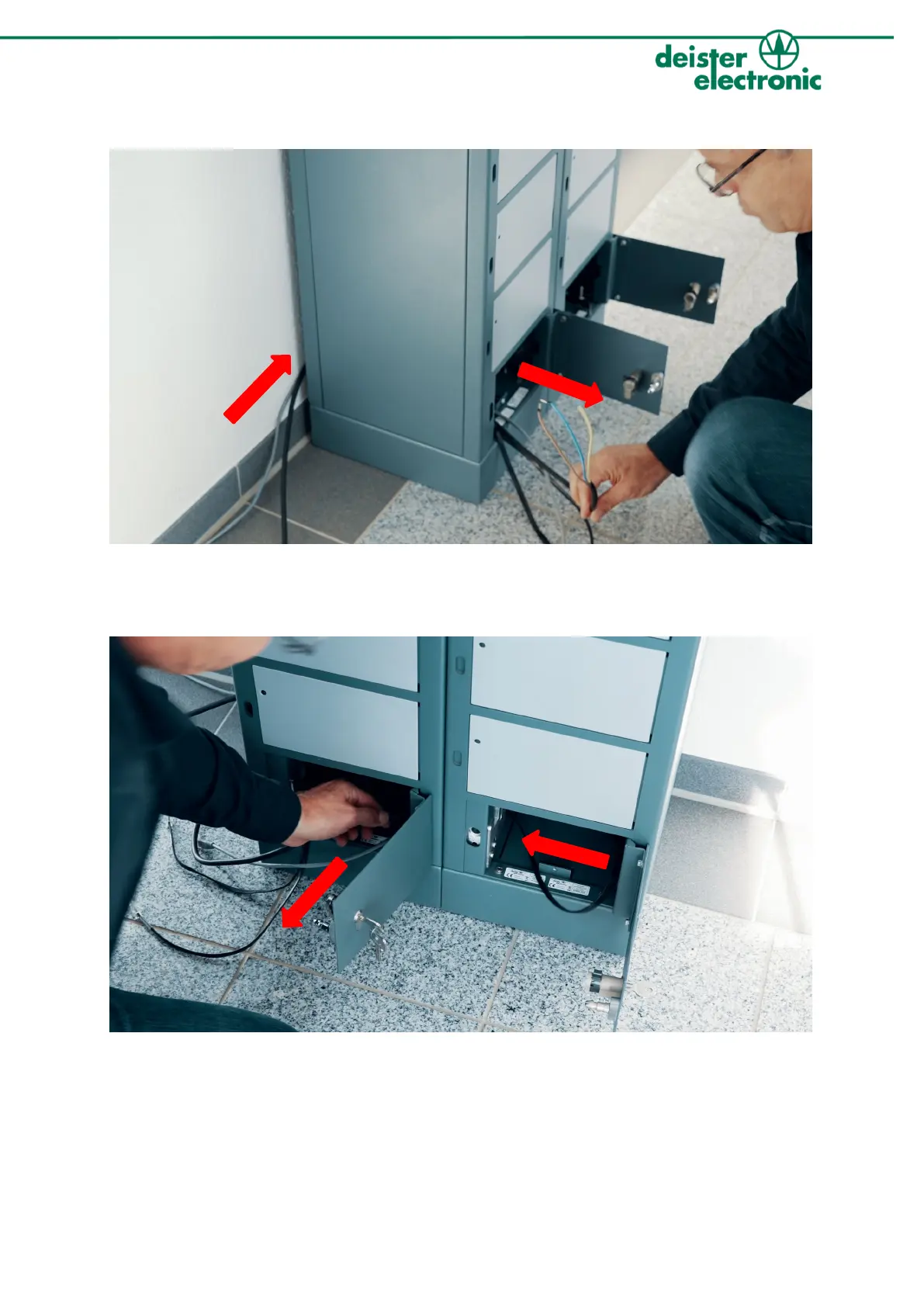
6. Installing the backplane in the service compartment
1. Guide the network and mains cables through the back of the locker that is connected to the terminal. In
the service compartment you can find two additional cables marked with either “Master” or “Slave”. Pull
these cables out of the service compartment as well.
2. Guide the connection cable of the second locker through the appropriate hole into the service compartment of
the other locker and pull it out. Do the same if you connect multiple lockers with each other, you may require
additional extension cables.


 To Next Page