Dejavoo Systems Instruction Manual V525.15 39
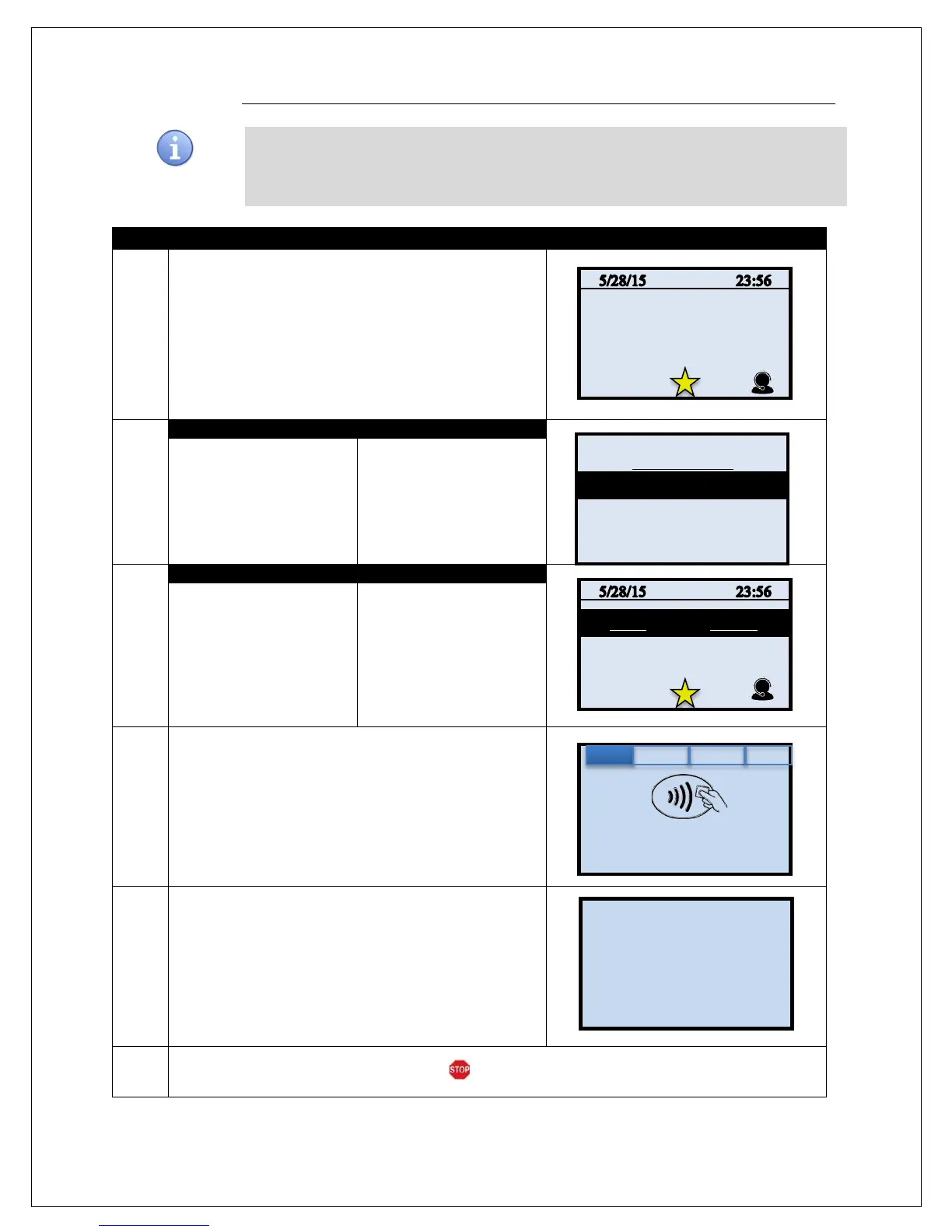
MULTI-MERCHANT CREDIT RETURN
Use the chart below to process a Credit Card sale when there are multiple merchant IDs
(MIDs) in the same terminal. It is important to note that for security and regulations manually
entering a debit card is not allowed, debit cards must always be swiped at the point of sale.
For a successful transaction you must be a debit card accepting merchant.
1.
Input the merchants assigned number or press 0 to list
all merchants processing in the terminal.
2.
Use the up and down arrow
to highlight the desired
merchant to process the
sale for.
Use your fingertip to tap
the desired merchant to
process the sale for.
3.
Press the Yellow
backspace key to change
the transaction type to
RETURN
Input the RETURN
AMOUNT and press OK
Use your fingertip to Tap
the word SALE then Tap
the word RETURN
Input RETURN AMOUNT
and press OK
4.
Tap (contactless only), Insert, Swipe or Manually Enter
Card Number
5.
The terminal flashes the host response and prints
return receipt.
6.
The terminal returns to the idle prompt.
CARD MODE
(Press 0 to List)
XYZ Hair Salon
PDQ Spa Service
Enter Card #
Sale: $5.00



 To Next Page