EasyManua.ls Logo

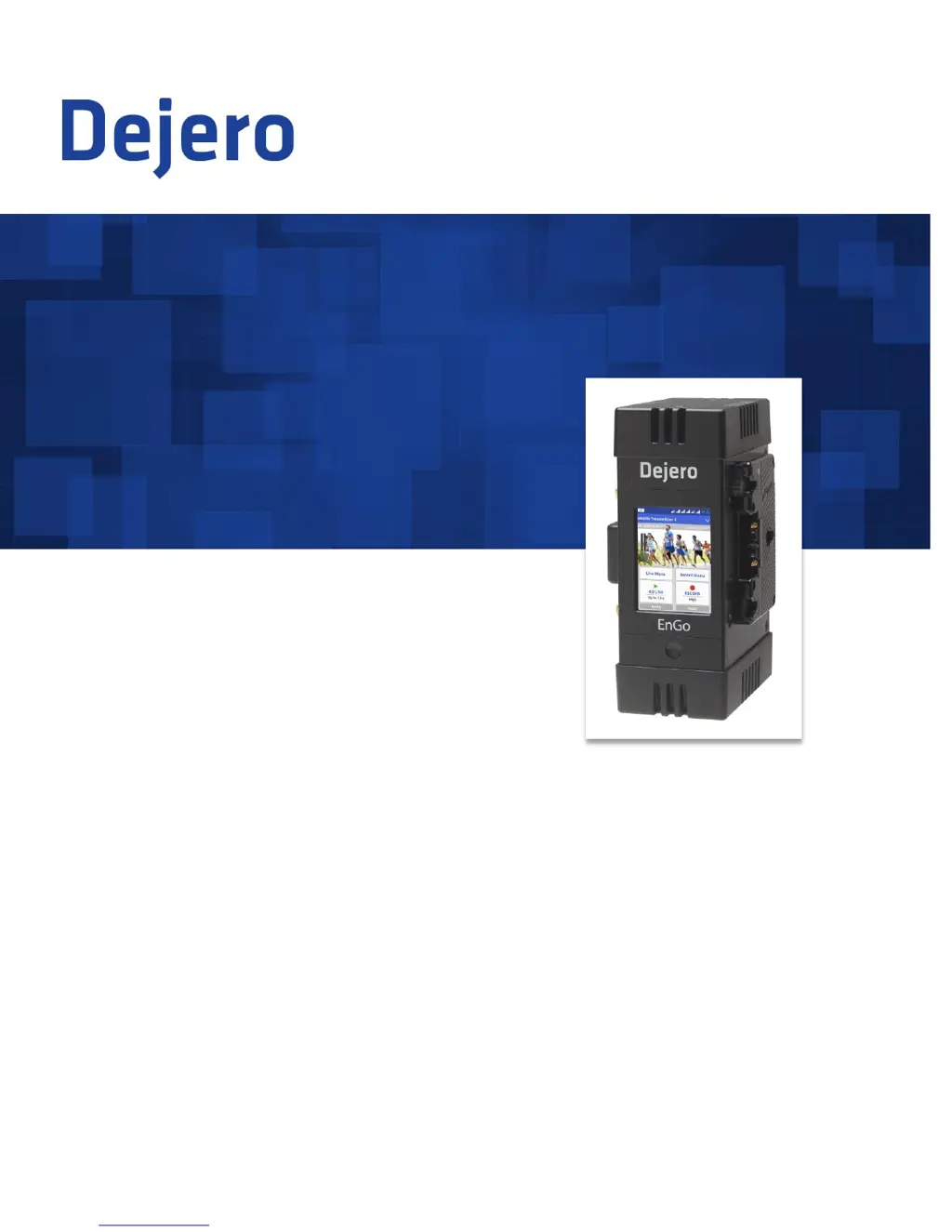
Dejero LIVE+ EnGo - User Manual

Dejero LIVE+ EnGo
33 pages
Print Icon
To Next Page IconTo Next Page
Loading...
LIVE+ EnGo
User Guide
2015
D-UG114-003
www.dejero.com

Questions and Answers

  • J
    John ArnoldAug 13, 2025
    Why is the preview screen black on my Dejero EnGo Transmitter?
    • R
      Robert LambertAug 13, 2025
      If the Preview screen on your Dejero Transmitter is black, ensure the cable from the camera is securely connected to the correct input port on the EnGo. Also, the video input might not be specified correctly.
  • C
    caitlin67Aug 17, 2025
    What to do if my Dejero EnGo Transmitter doesn't turn on with AC power?
    • L
      Linda DaltonAug 17, 2025
      If your Dejero EnGo Transmitter doesn't turn on with AC power, first confirm that all cable connections are secure and the power connector is firmly locked. Next, verify that the power indicator light on the power adapter is on, indicating power is being supplied.
  • L
    lhoodAug 21, 2025
    Why won't my Dejero EnGo Transmitter turn on when using a battery?
    • M
      Margaret JensenAug 21, 2025
      If your Dejero EnGo Transmitter doesn't turn on when using a battery, ensure the battery is fully charged and securely seated on the mounting plate. Also, make sure you are using a battery with a minimum of 60Wh when using the EnGo in the carry case, or 95Wh when camera mounted, as insufficient battery capacity can cause this issue.
  • K
    kellyphillipAug 25, 2025
    How to fix 'Modem malfunction' error on Dejero EnGo Transmitter?
    • V
      vegakatherineAug 25, 2025
      If you're experiencing a 'Modem malfunction' error on your Dejero EnGo Transmitter, try reinitializing the modems. To do this, turn off the EnGo, disconnect the power source, wait 30 seconds, then reconnect the power source and restart the device.
  • D
    Diane OrtegaAug 28, 2025
    Why is no feedback coming through the earpiece with my Dejero LIVE+ EnGo?
    • J
      Joseph GrayAug 28, 2025
      If you are not receiving feedback through your earpiece with your Dejero Transmitter, adjust the volume on the LIVE+ Broadcast Server. Also, verify that the correct capture device is set as the default on the broadcast server.
  • A
    Anna WeberSep 1, 2025
    How to troubleshoot no display on Dejero LIVE+ EnGo Preview screen?
    • B
      Brittany JonesSep 1, 2025
      If you're not getting any display on the Preview screen of your Dejero Transmitter, make sure all cables are connected correctly. Also, verify that your video source is on and sending video. If necessary, select the specific video input type (HDMI or SDMI), input resolution, and input frame rate for your camera. Finally, verify that the supplied video is in a compatible format.
  • R
    Rachel MooreSep 4, 2025
    Why is there picture, but no sound on my Dejero LIVE+ EnGo?
    • W
      wparsonsSep 4, 2025
      If you are getting a picture, but no sound on your Dejero Transmitter, the sound settings are set on your camera. To troubleshoot sound settings, see the camera manufacturer’s instructions.
  • R
    raymondhamiltonSep 8, 2025
    What causes no network coverage on Dejero EnGo Transmitter?
    • J
      Jonathan CruzSep 9, 2025
      If your Dejero EnGo Transmitter shows no network coverage, move to an area with better network coverage, as the device detects available networks automatically.

Summary

Warranty and Safety Precautions

Warranty and Liability Disclaimers

Details product warranty terms and legal responsibilities for usage.

Regulatory Compliance and Warnings

Covers FCC/IC compliance, RF exposure, and explosive atmosphere hazards.

Handling and Operating Conditions

Guidelines for device care, environmental limits, and proper usage.

Getting Started and Initial Setup

Transmitter Configuration and Settings

Live Broadcasting and Clip Management

Troubleshooting Common Issues

Power, Display, and Network Problems

Solutions for start-up, preview screen, and network connectivity issues.

Error Messages and Server Issues

Reference for warning/error messages and server/capacity problems.

Dejero LIVE+ EnGo Specifications

General IconGeneral
BrandDejero
ModelLIVE+ EnGo
CategoryTransmitter
LanguageEnglish

Related product manuals