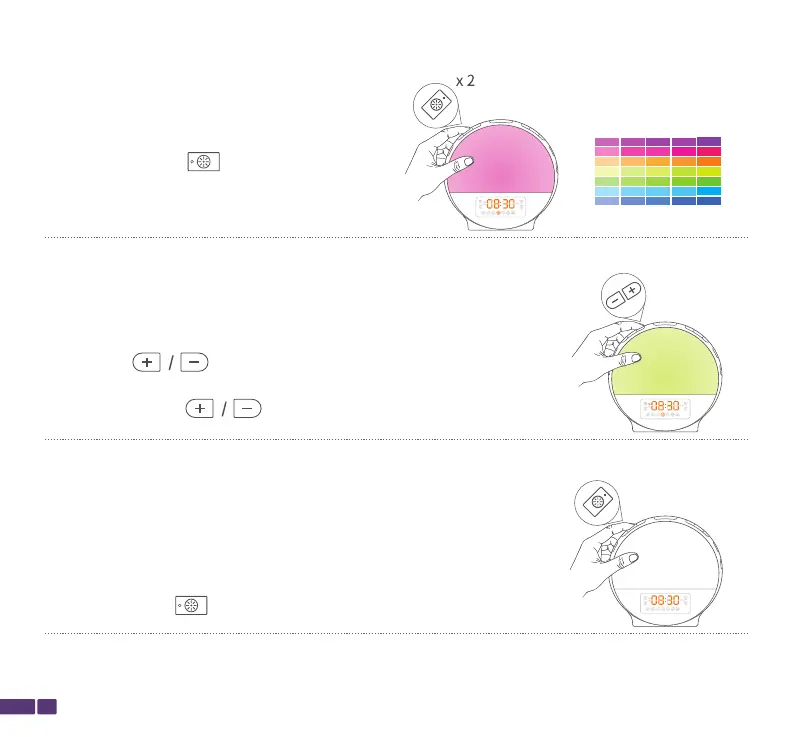
Short press to choose one solid color (7 colors
are available), which means it will stay the same color
until you press the button again.
Light
Light
14
Short press Light/ again to turn off the Colorful Light .
Auto Color Light Mode
Double press Light/ to enter the auto
color light mode,which means the color of
the light will change automatically.


 To Next Page