Delem
V1101, 9.4
9.2.2 Parameters digital part support
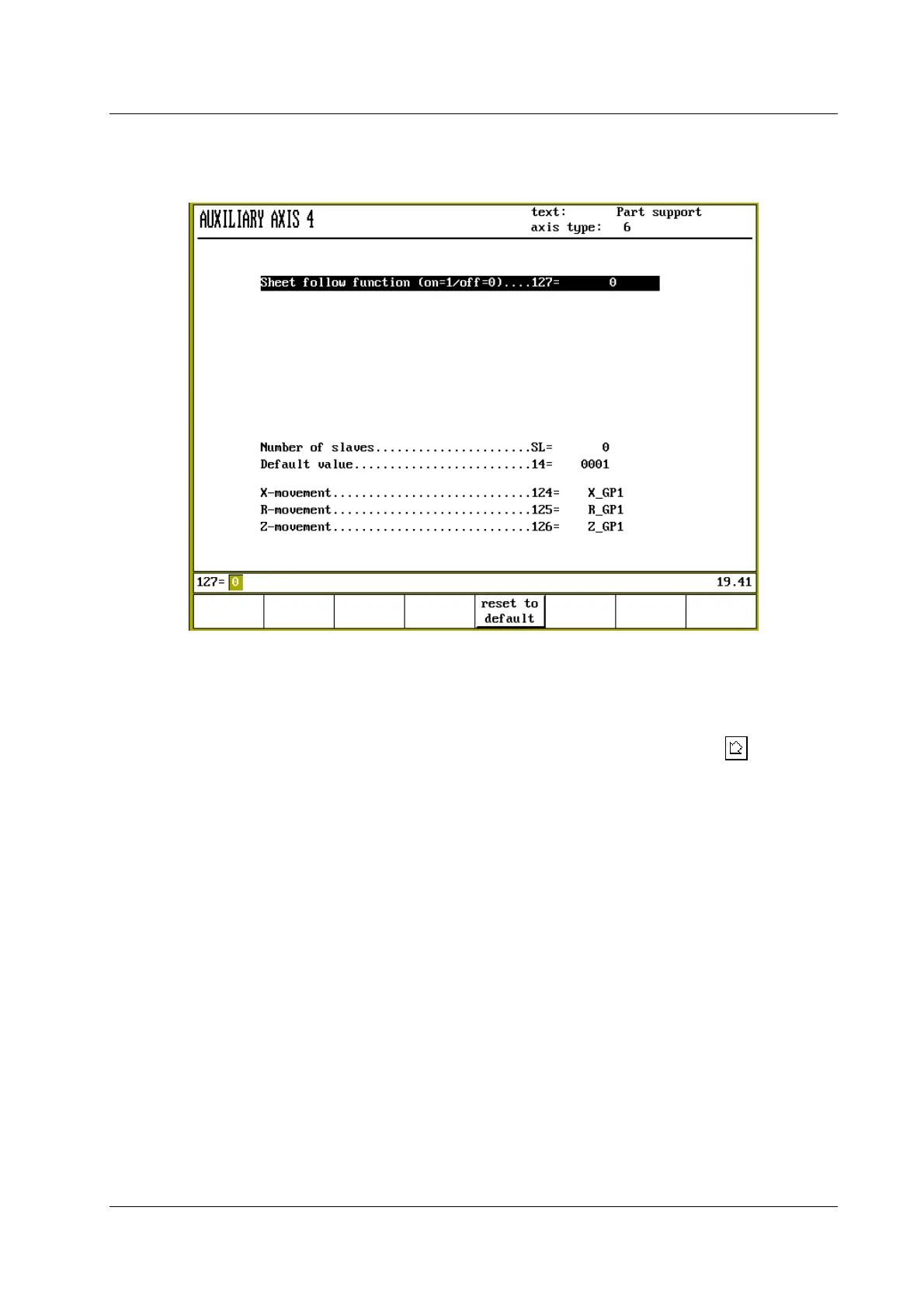
Figure 9.2.b
Sheet follow function on/off
This parameter serves to switch the 'sheet follow function' on or off. Press the key to select
the required setting.
When switched on, the part support is controlled to guide the metal sheet during bending. In this
situation all positioning parameters must be programmed correctly to ensure good positioning
behaviour of the part support.
When switched off, the part support arm is not controlled during bending. In this situation no
positioning parameters are to be programmed, only the additional parameters for positioning of
the part support unit. This allows you to program and control a supporting unit that is not made
to follow sheet movement during bending, but can be used to place a sheet in front of the
machine.
See section 9.3 for more information about the additional axes.
On the following pages the part support parameters are explained.


 To Next Page
 Loading...
