
 To Next Page
D
Daniel KerrAug 6, 2025
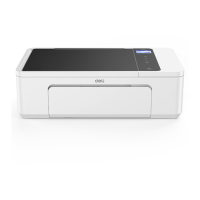
What to do if my Deli All in One Printer doesn't work after sending tasks?
- SsarahfordAug 6, 2025
If your Deli All in One Printer isn't working after you send print jobs, here's what to check: 1. Make sure the printer is turned on and in a normal operating state. Try restarting both the printer and your computer. 2. Verify the printer is correctly connected to your computer. 3. Ensure that you've selected the correct printer. Check the Printer Helper for print jobs. If it shows the printer is offline or the wrong printer is selected, re-add the printer. Remember, if the printer was added via USB, it needs to be physically connected via USB.
 General