5
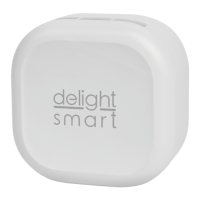
WIRELESS SMART-KINETIC WALL SWITCH CONTROL UNIT
EN
Connect the disconnected mains lead to the sockets marked “INPUT”.
• Socket marked “Lin” = “phase i.e. live” wire.
• Socket marked “Nin” = “zero” wire.
Connect the wires to the consumer to the sockets marked “OUTPUT”.
• Socket marked “Lin” = “phase i.e. live” wire.
• Socket marked “Nin” = “zero” wire.
APPLICATION:
1. Connect to your local WiFi network!
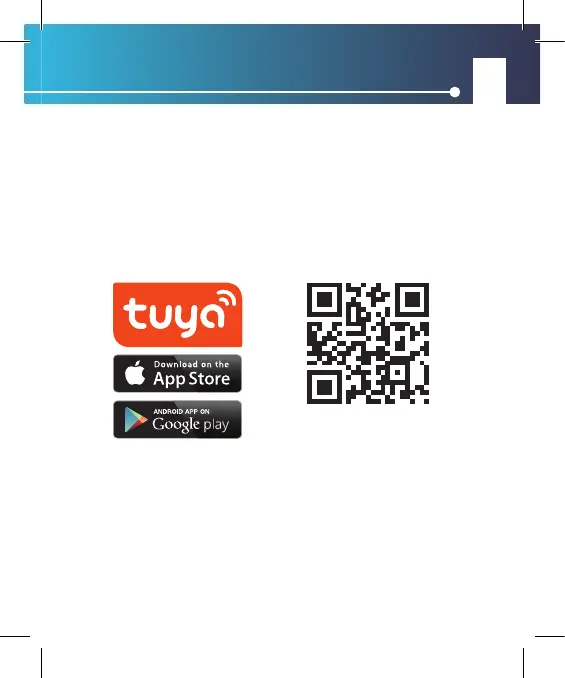
2. Application installation: Download Tuya Smart from the Play Store or AppStore and install it if you haven’t already.
3. If you have a user account, log in to your prole. If you have not previously registered an account, register
by entering your details and log in.
4. When you turn on the switch, the application automatically detects the devices waiting to be pairedFollow
the on-screen instructions, add the device to your prole, name the device, and, if necessary, set the room in
which the device is located. (This can be useful for several identical devices)
To download the program, use your phone’s
camera to read the QR code below.


 To Next Page
 Loading...