36 Using Your Projector
INFORMATION
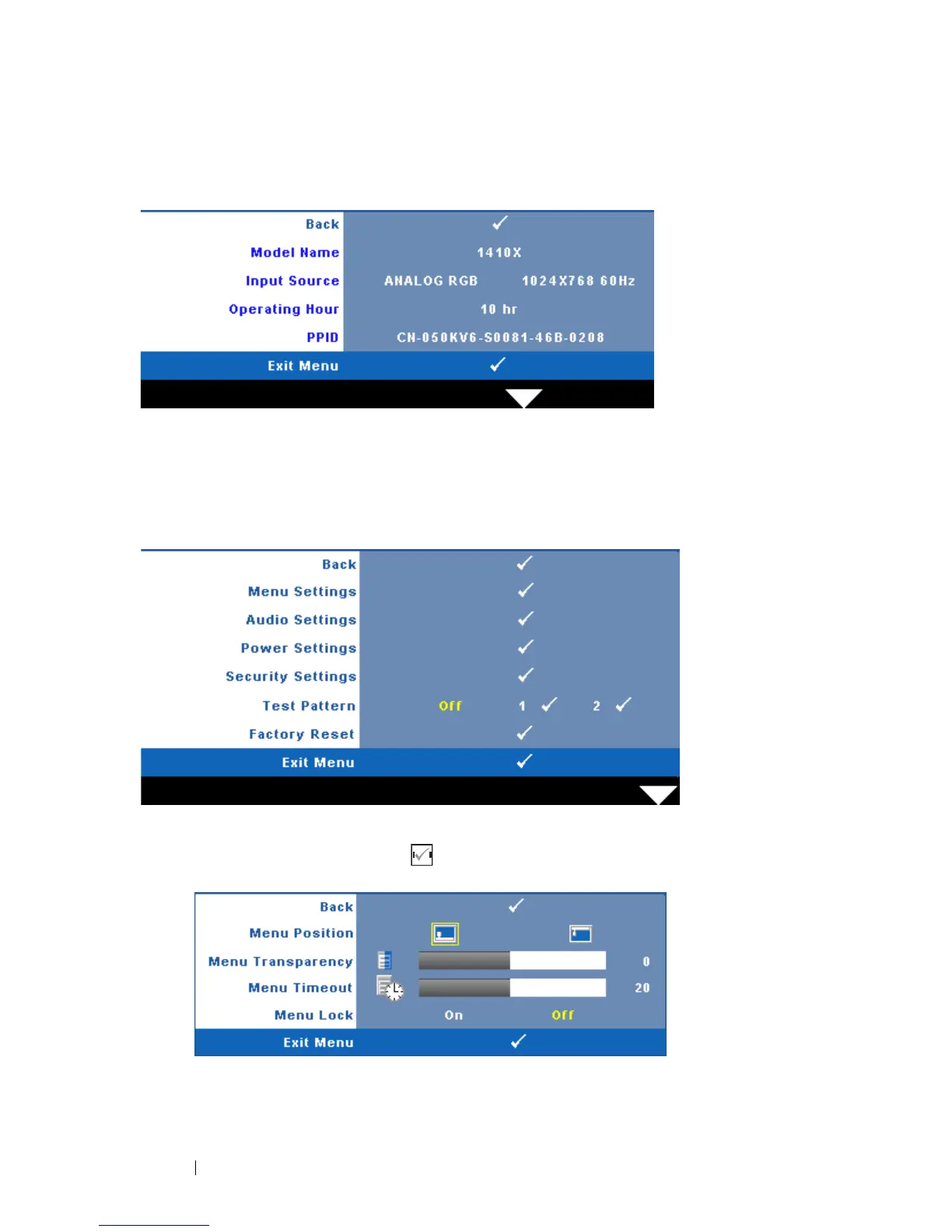
The Information menu displays the current projector settings.
OTHERS
The Others menu allows you to change settings for Menu, Audio, Power, and
Security. You can also perform Test Pattern and Factory Reset.
MENU SETTINGS—Select and press to activate menu settings. The menu
settings consists of the following options:
MENU POSITION—Allows you to change the position of the OSD menu on
the screen.



 To Next Page