50 Using Your Projector
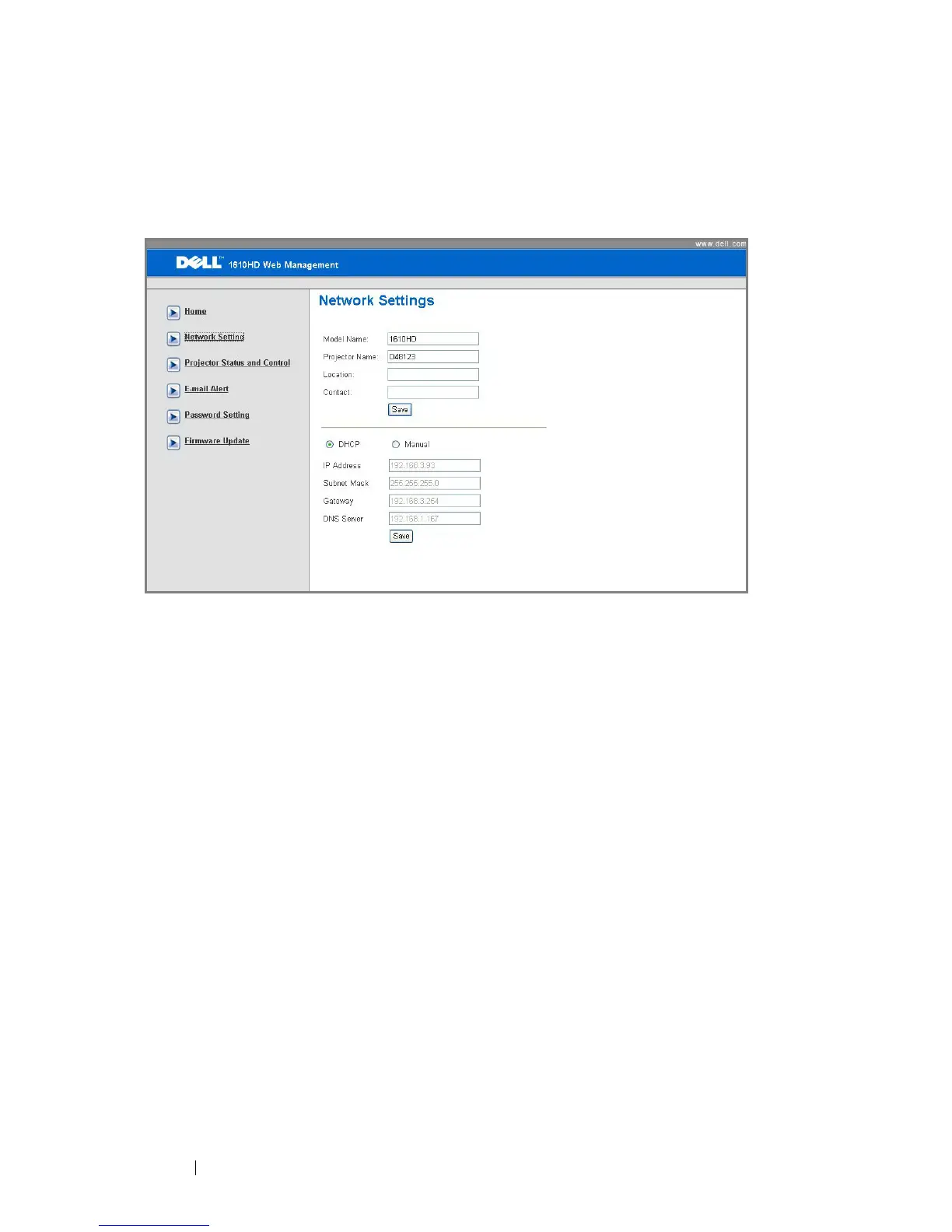
Network Settings
See OSD section on page 40.
•Set up the Model Name, Projector Name, Location and Contact
information (up to 21 characters for each field). Press Save to store the
settings.
• Choose DHCP to assign an IP address to the projector from a DHCP server
automatically, or Manual to assign an IP address manually.



 To Next Page