16
|
Getting Started With Your System
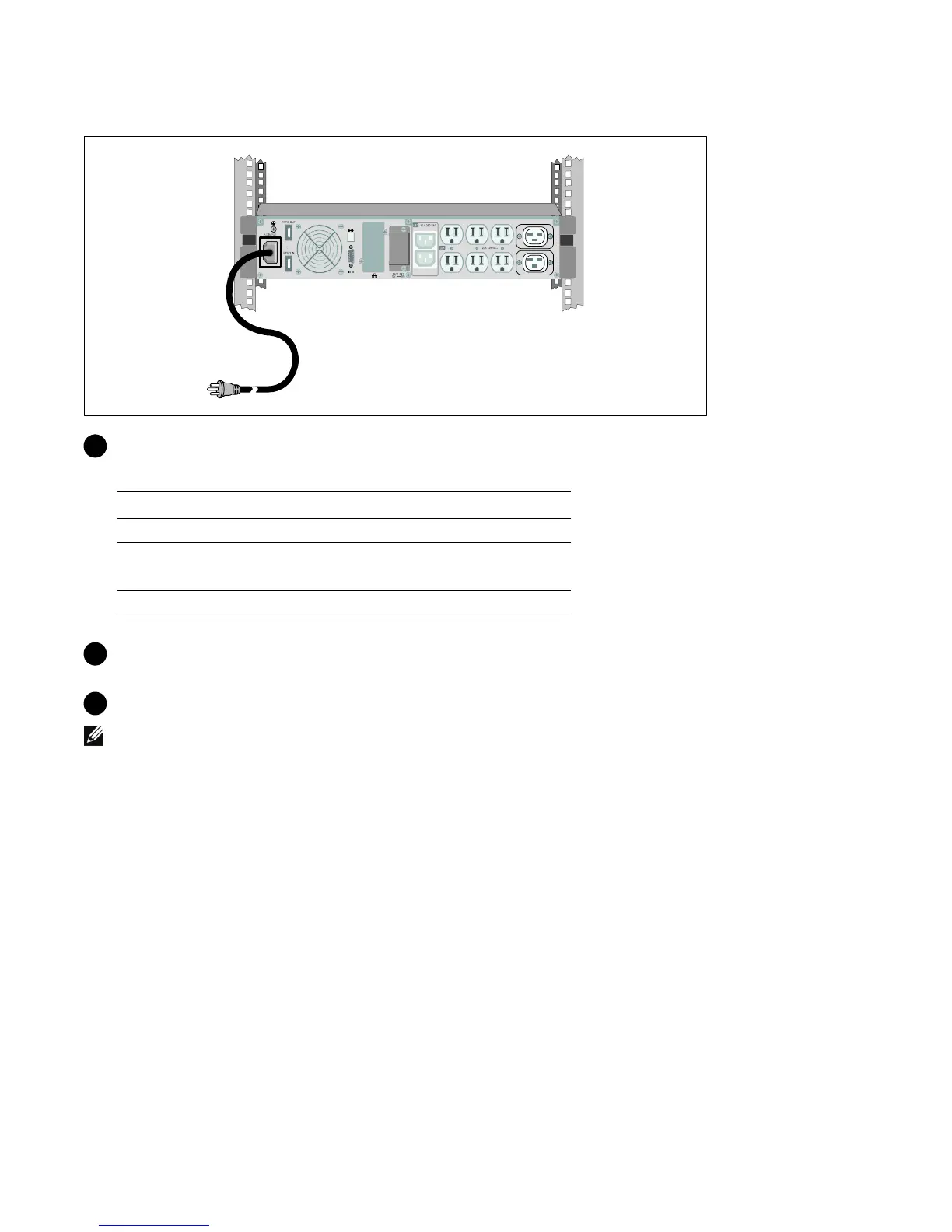
Connecting the Power Cord
5 Verify that the power input to the UPS has adequate upstream overcurrent protection:
Table 1. Minimum Upstream Circuit Breaker Rating
UPS Output Power
120V 208V 230V
1000W 15A — 15A
1500W (at 100V)
1920W
20A — 15A
2700W 30A 20A 16A
6 For models with a detachable power cord. Plug the detachable UPS power cord into the input
connector on the UPS rear panel.
7 Plug the UPS power cord into a power outlet.
NOTE:
For 1920/1500W models. There are two power cords in the box, one with BSMI and PSE certified
markings that can be used in Taiwan and Japan, another cord is for regions other than Taiwan and Japan.



 To Next Page