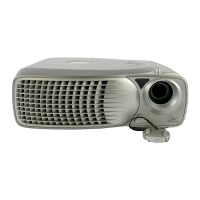
Installation: Dell 2300MP Projector
file:///C|/Venkat%20Shared/Projectors/2300MP/EN/install.htm[11/30/2012 2:18:55 PM]
3. Use the tilt adjustment wheel to fine-tune the display angle.
To lower the projector:
1. Press the elevator button.
2. Lower the projector, and then release the button to lock the elevator foot into position.
1 Elevator button
2 Elevator foot
3 Tilt adjustment wheel
CAUTION: To avoid damaging the projector, ensure that the zoom lens and elevator foot are fully
retracted before moving the projector or placing the projector in its carrying case.
Adjusting the Projector Zoom and Focus
1. Rotate the zoom tab to zoom in and out.
2. Rotate the focus ring until the image is clear. The projector focuses at distances from 3.9 ft to 39.4ft (1.2 m to 12
m).



 To Next Page