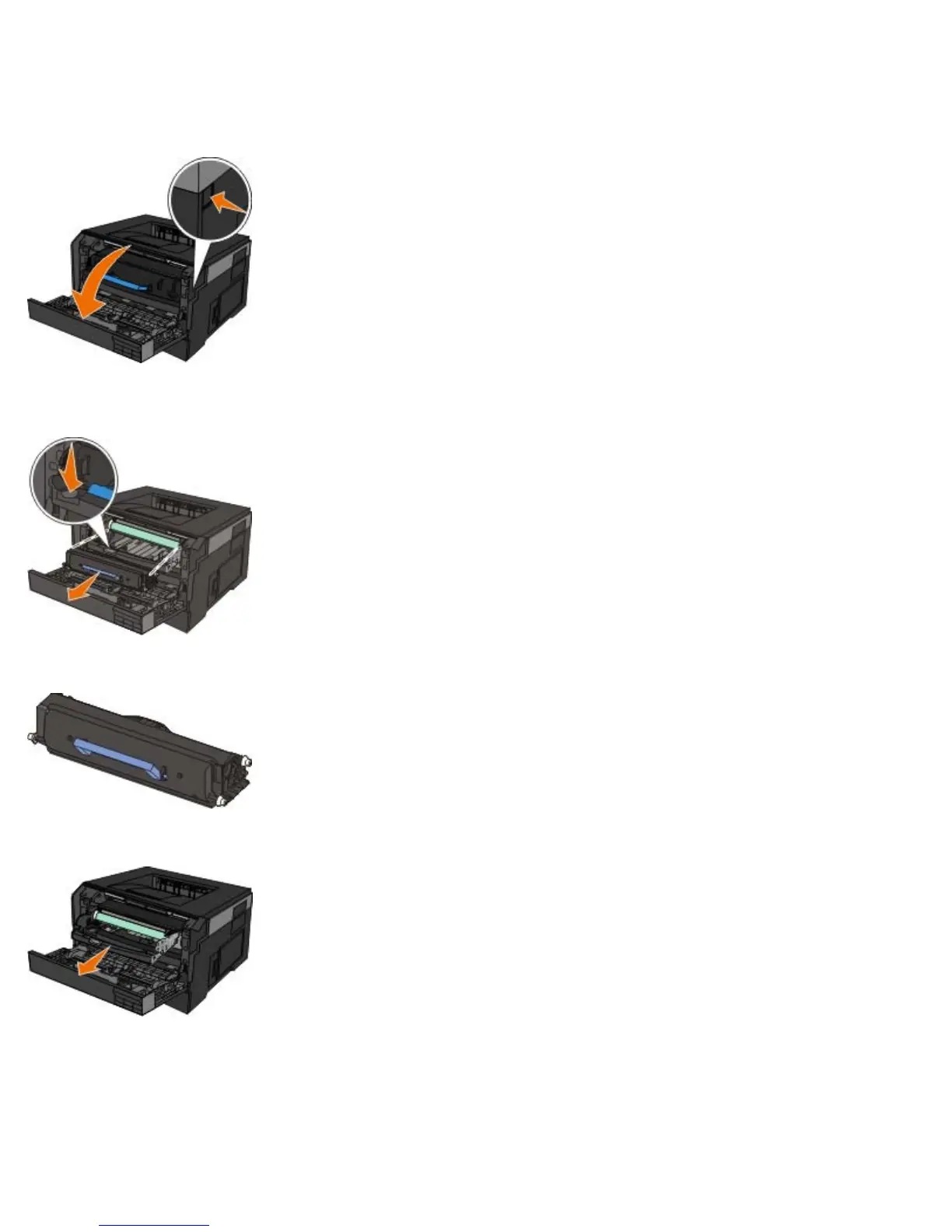
1. Turn the printer off.
2. Open the front cover by pressing the door release button on the right side of the printer and lowering the cover.
3. Pull the toner cartridge assembly up and out using the handle after pressing the button on the base of the imaging
drum.
4. Place the toner cartridge assembly on a flat, clean surface.
5. Lift the base of the imaging drum, gently pull it up, and slide it out of the printer.
6. Unpack the new imaging drum kit.
Extended light exposure can cause print quality problems.












 To Next Page