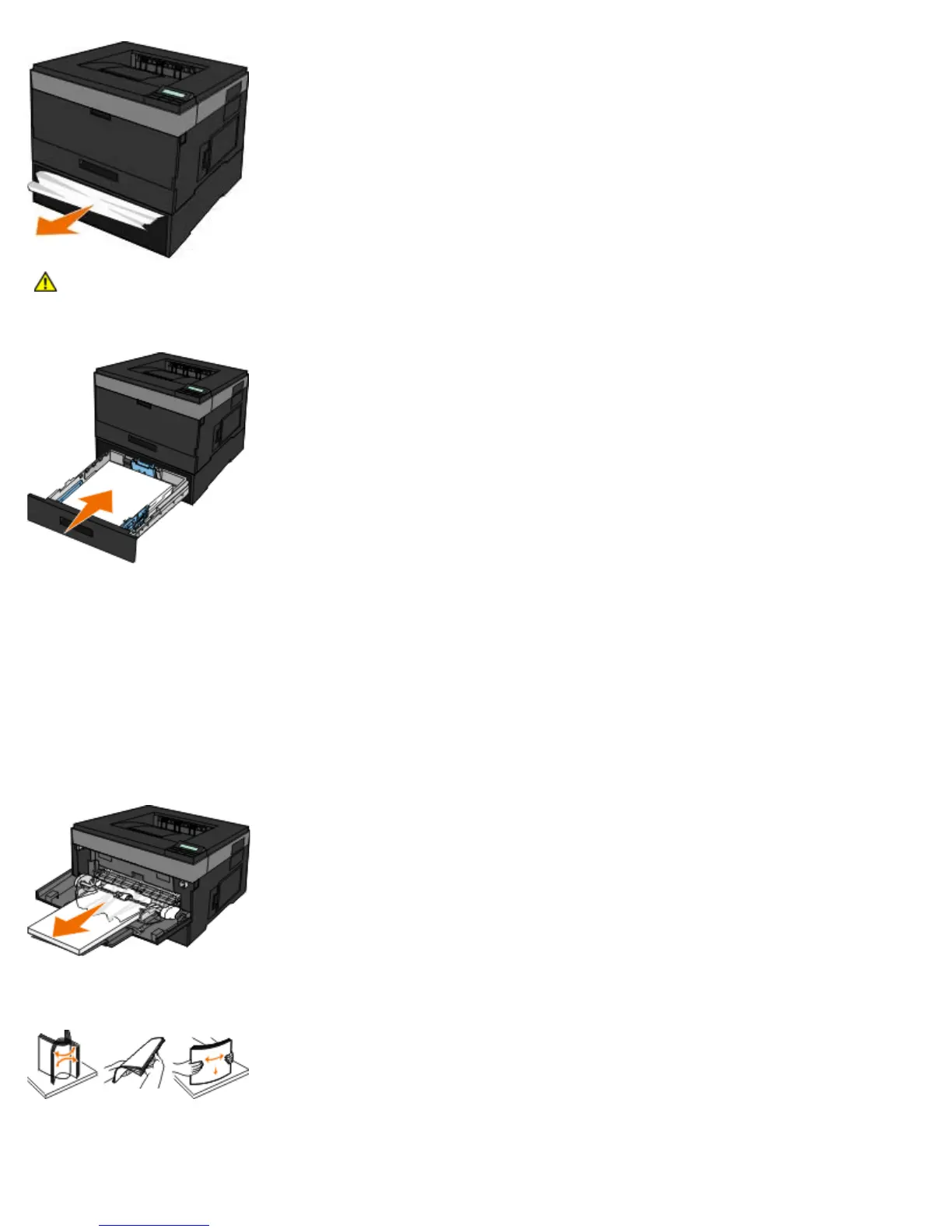
4. Insert the tray.
5. Turn the printer back on.
6. Send your print job to the printer again.
251 Paper Jam — Check Multipurpose Feeder
1. Turn the printer off before checking the printer.
2. Remove the paper from the multipurpose feeder.
3. Flex the sheets of paper back and forth to loosen them, and then fan them. Do not fold or crease the paper. Straighten
the edges on a level surface.
4. Load the paper into the multipurpose feeder.
5. Slide the paper guide toward the inside of the tray until it lightly rests against the edge of the paper.
CAUTION: Make sure all paper fragments are removed.












 To Next Page