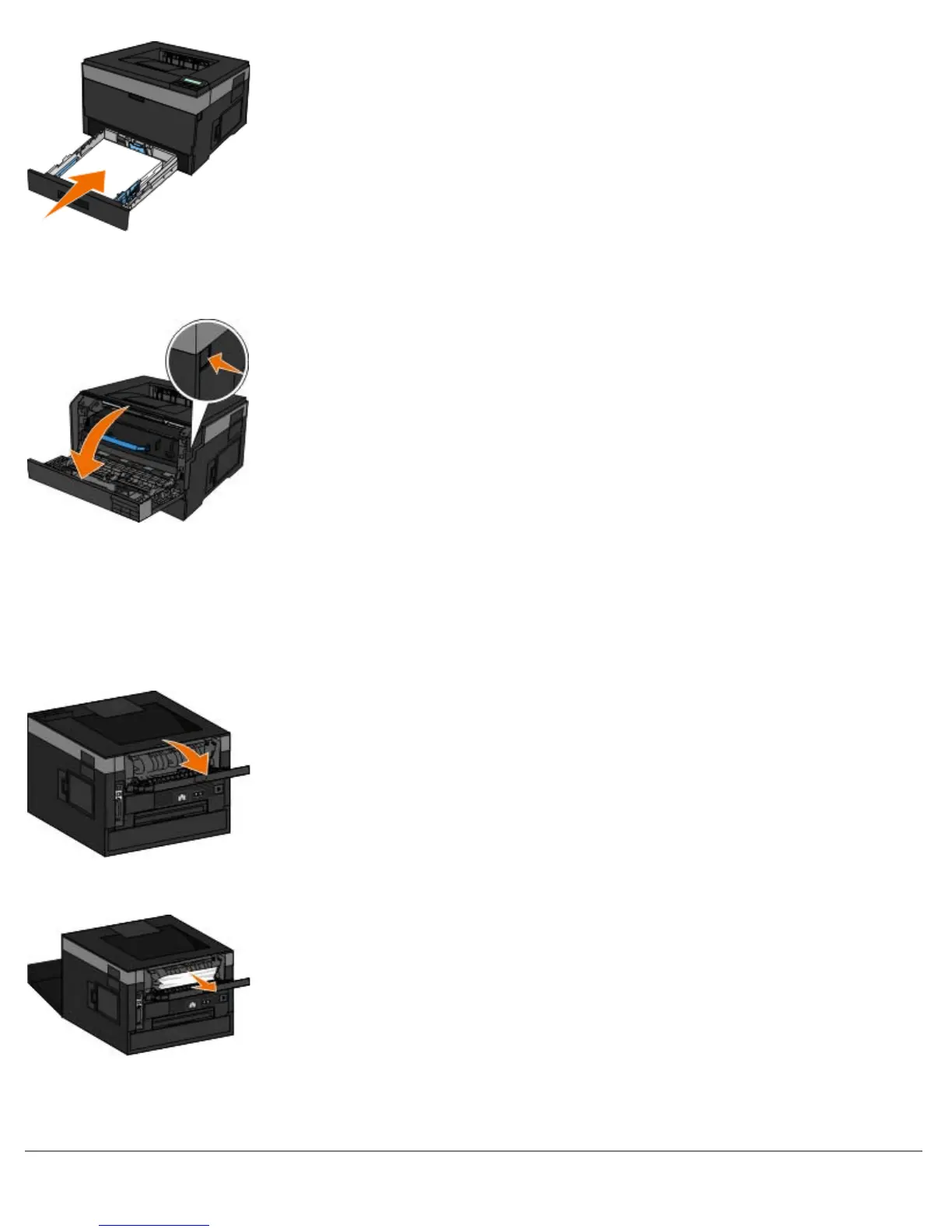
Near the output bin extender
1. Press the door release button on the right side of the printer to open the front cover.
2. Firmly grasp the paper, and gently pull it from the printer.
3. Close the front cover.
Near the rear exit
1. Open the rear exit door.
2. Firmly grasp the paper, and gently pull it from the printer.
3. Close the rear exit door.
Turn the printer back on and send your print job to the printer again.












 To Next Page