This guide can be used for Dell™ laser printers 5330dn, 2335dn, and 2355dn 5
Installing the Dell Internal Wireless Adapter
Hardware
1
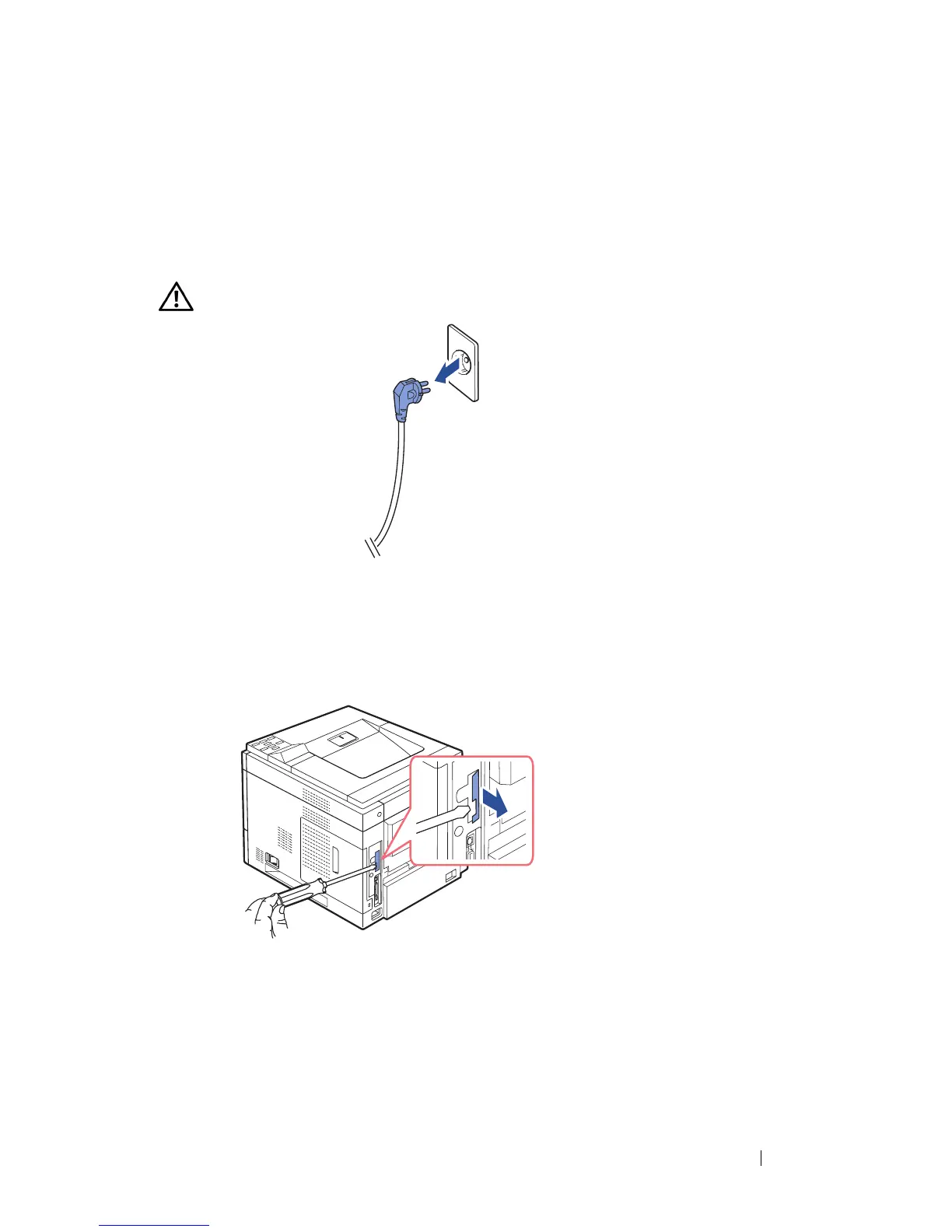
Ensure that the printer is turned off and the power cord is unplugged from
the power source.
CAUTION: Failure to unplug the printer could cause damage to the printer.
For Dell
Mono 5330dn only,
Detach the dummy panel on the back of your printer using a firm
object, such as a screwdriver.
For Dell Mono Laser 5330dn



 To Next Page