14
|
Getting Started With Your System
Installing the UPS Front Cover
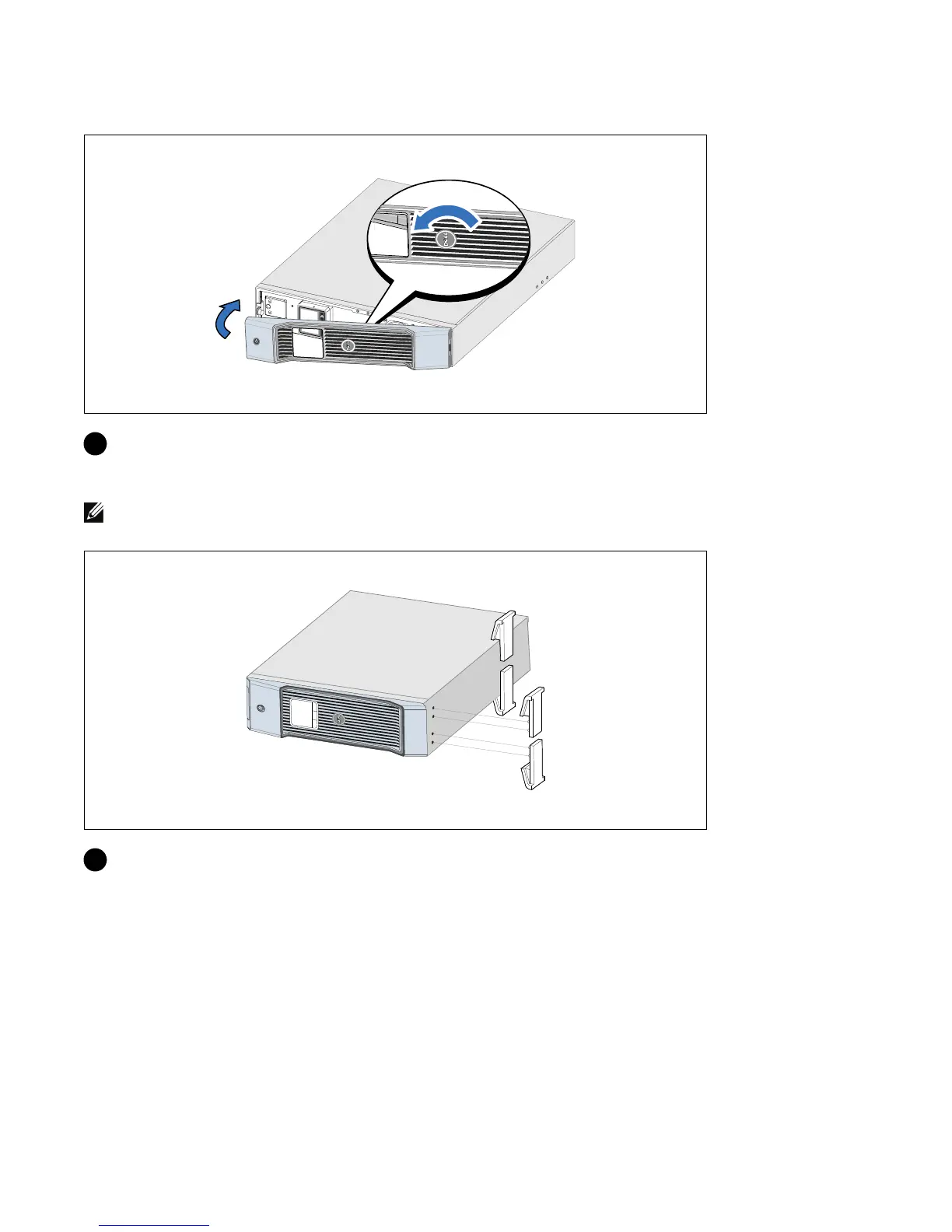
6 Rotate the Dell logo 90° counterclockwise and install the UPS front cover.
Installing the Pedestals
NOTE: Dell recommends a minimum of 63.5 mm (2.5”) free space behind the UPS rear panel, and a minimum of
127 mm (5”) between cabinets
7 Align the pedestals with the holes on the end of the cabinet. Push the pedestals in place.



 To Next Page