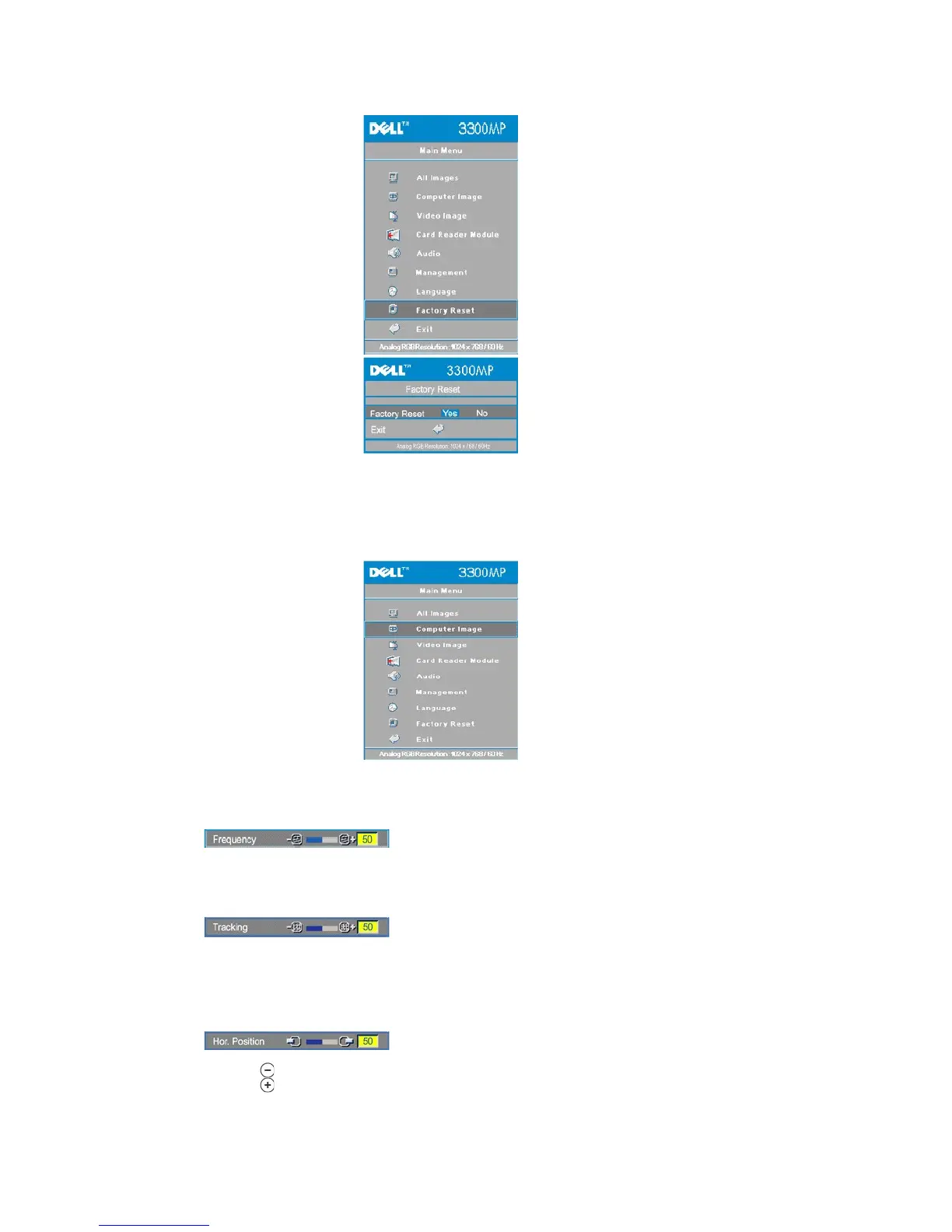
Select Yes to reset the projector to its factory default settings. Reset items include both computer image and video image
settings.
Computer Image- Note: this menu is only available with a computer input signal connected.
Change the display data clock frequency to match the frequency of your computer graphics card. If you see a vertical
flickering bar, use the frequency control to minimize the bars. This is a coarse adjustment.
Synchronize the phase of the signal of the display with that of the graphic card. If you experience an unstable or flickering
image, use the Tracking function to correct it. This is a fine adjustment.
NOTE: Adjust the Frequency first and then the Tracking.
Hor. Position (Horizontal Position)
l Press to move the image to the left.
l Press to move the image to the right.



 To Next Page