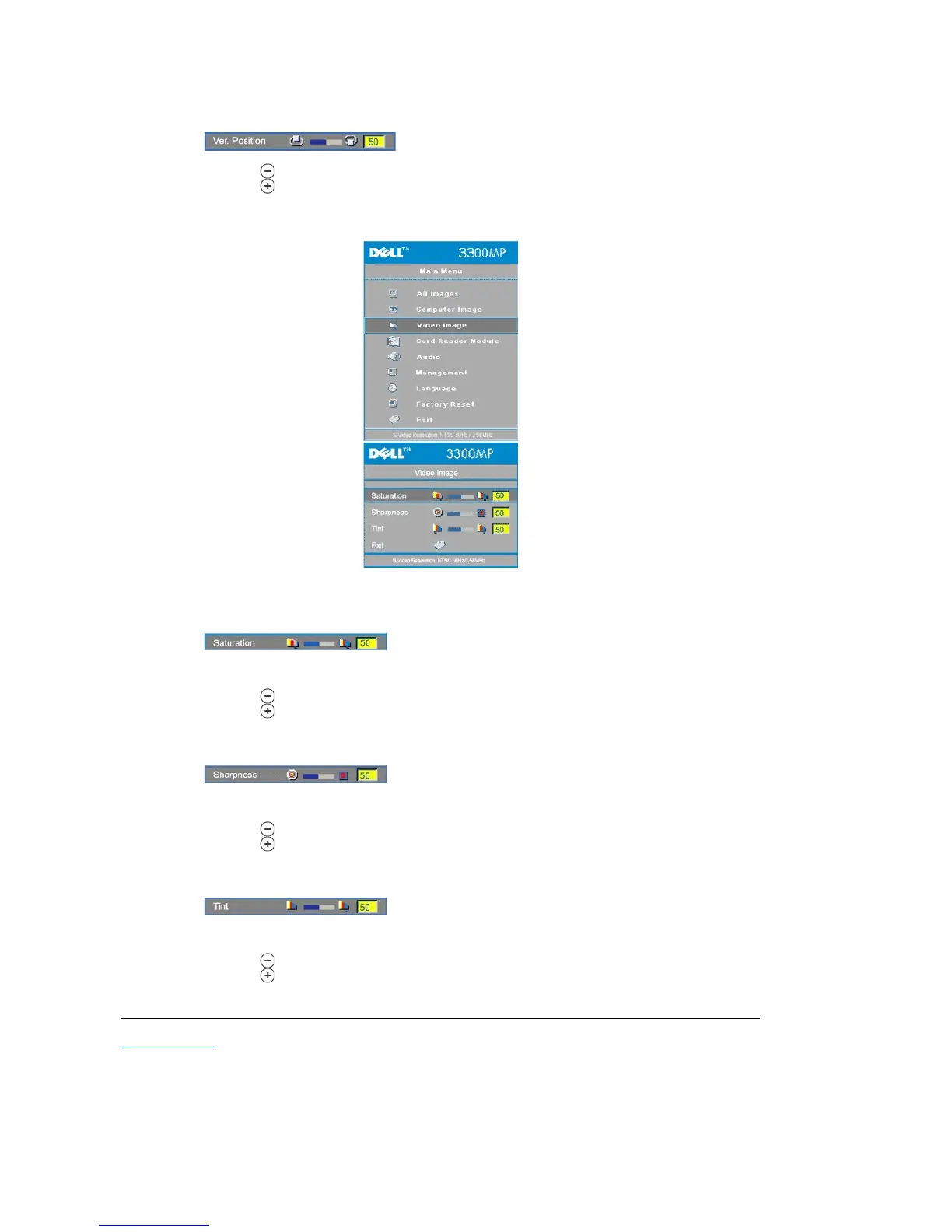
Ver. Position (Vertical Position)
l Press to move the image down.
l Press to move the image up.
Video Image- Note: this menu is only available with S-video, Video (composite) signal connected.
Adjust a video image from black and white to fully saturated color.
l Press to decrease the amount of color in the image.
l Press to increase the amount of color in the image.
Adjust the sharpness of the image.
l Press to decrease the sharpness.
l Press to increase the sharpness.
Adjust the color balance of red and green.
l Press to increase the amount of green in the image.
l Press to increase the amount of red in the image.



 To Previous Page