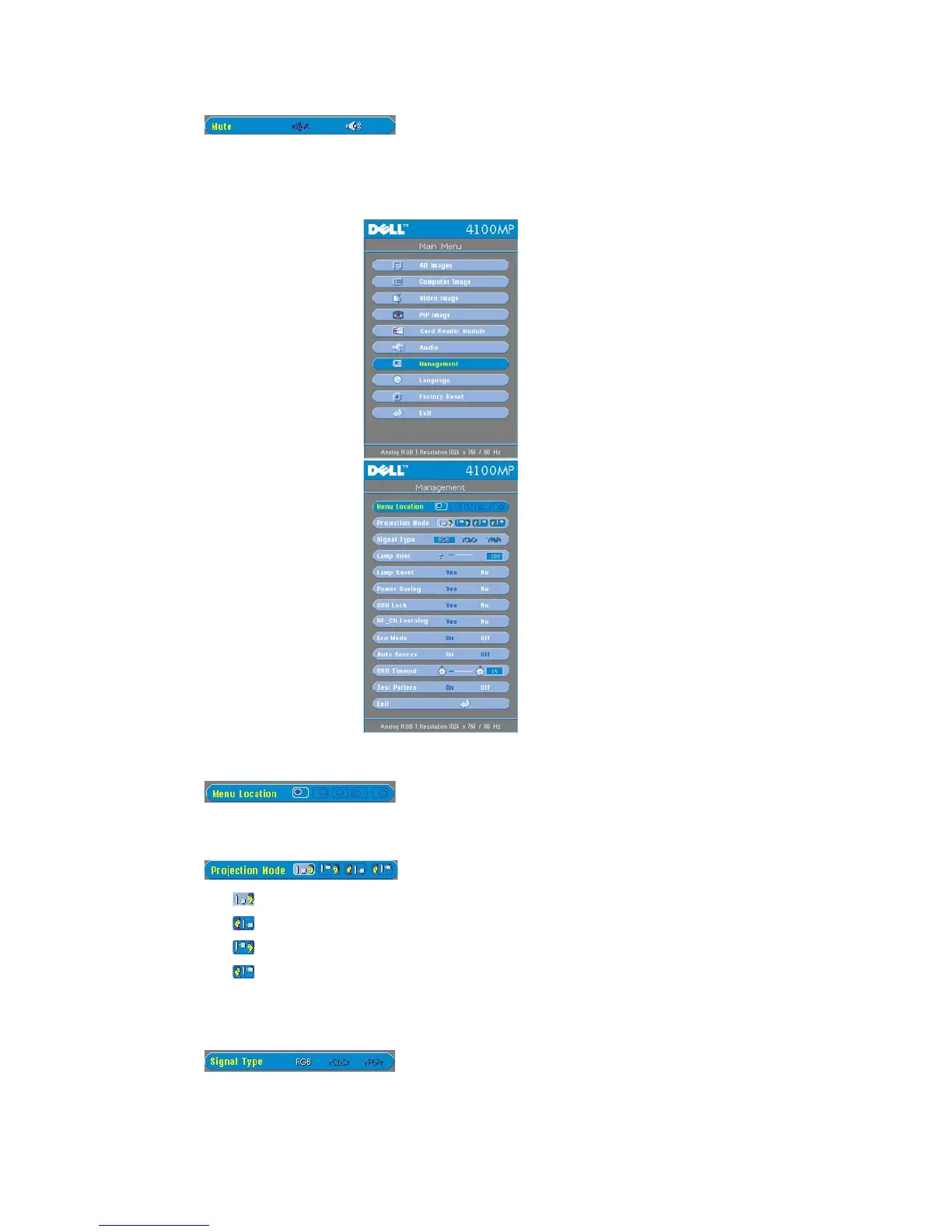
l Front Projection-Desktop
The default setting.
l Rear Projection-Desktop
The projector reverses the image so you can project from behind a translucent screen.
l Front Projection-Ceiling Mount
The projector turns the image upside down for ceiling-mounted projection.
l Rear Projection-Ceiling Mount
The projector simultaneously reverses and turns the image upside down. You can project from behind a translucent
screen with a ceiling-mounted projection.



 To Next Page