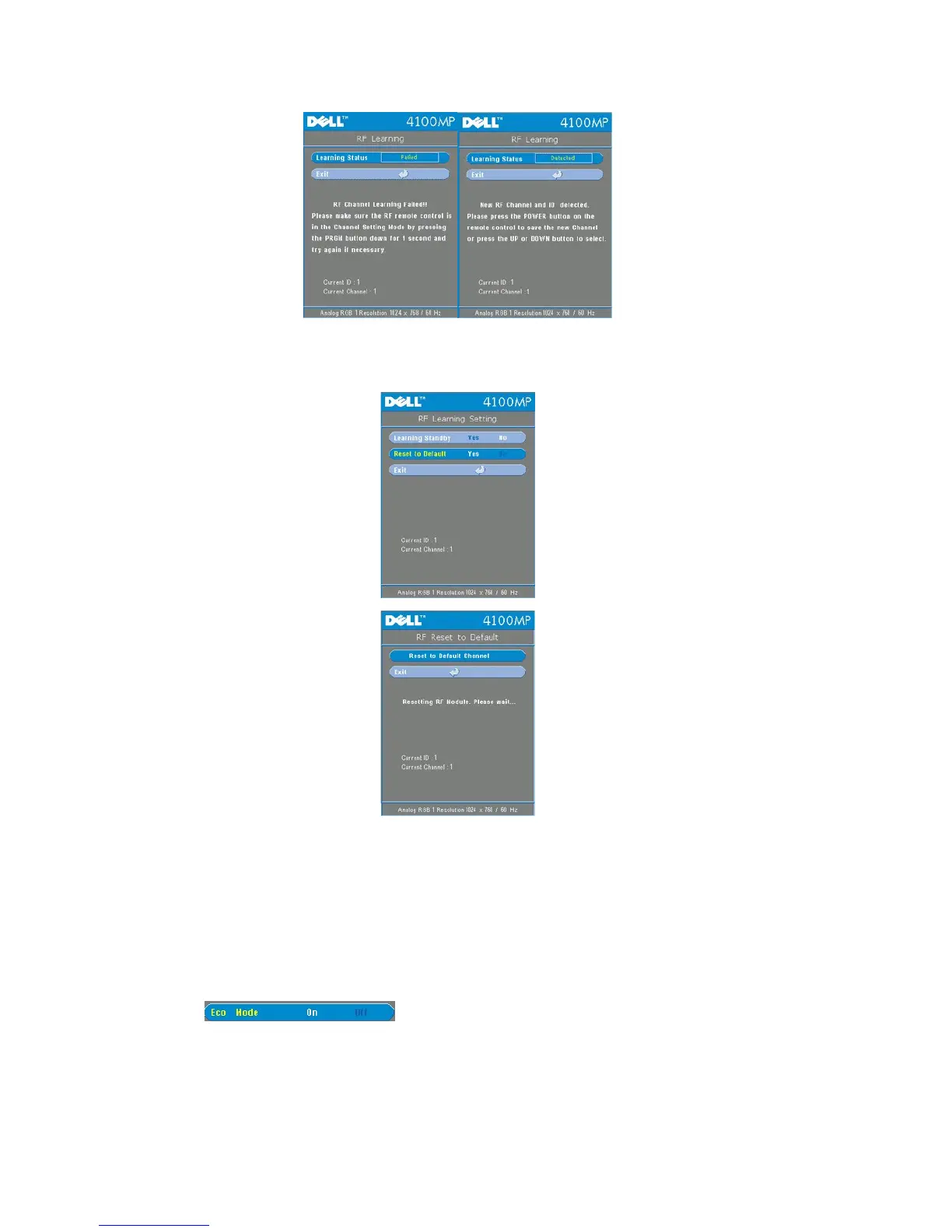
Back to Factory Default for the RF Channel
l Select Yes on RF Learning Setting menu and then enter the RF Reset to Default menu. Select Reset to Default
Channel tab to reset the receiver end, the projector back to the factory default channel.
l Press prgm button on the remote control for at least 5 sec to reset the transmitter to the factory default channel.
l The successful reset back to the default channel can be confirmed when the remote control transmitter controls the
projector.



 To Next Page