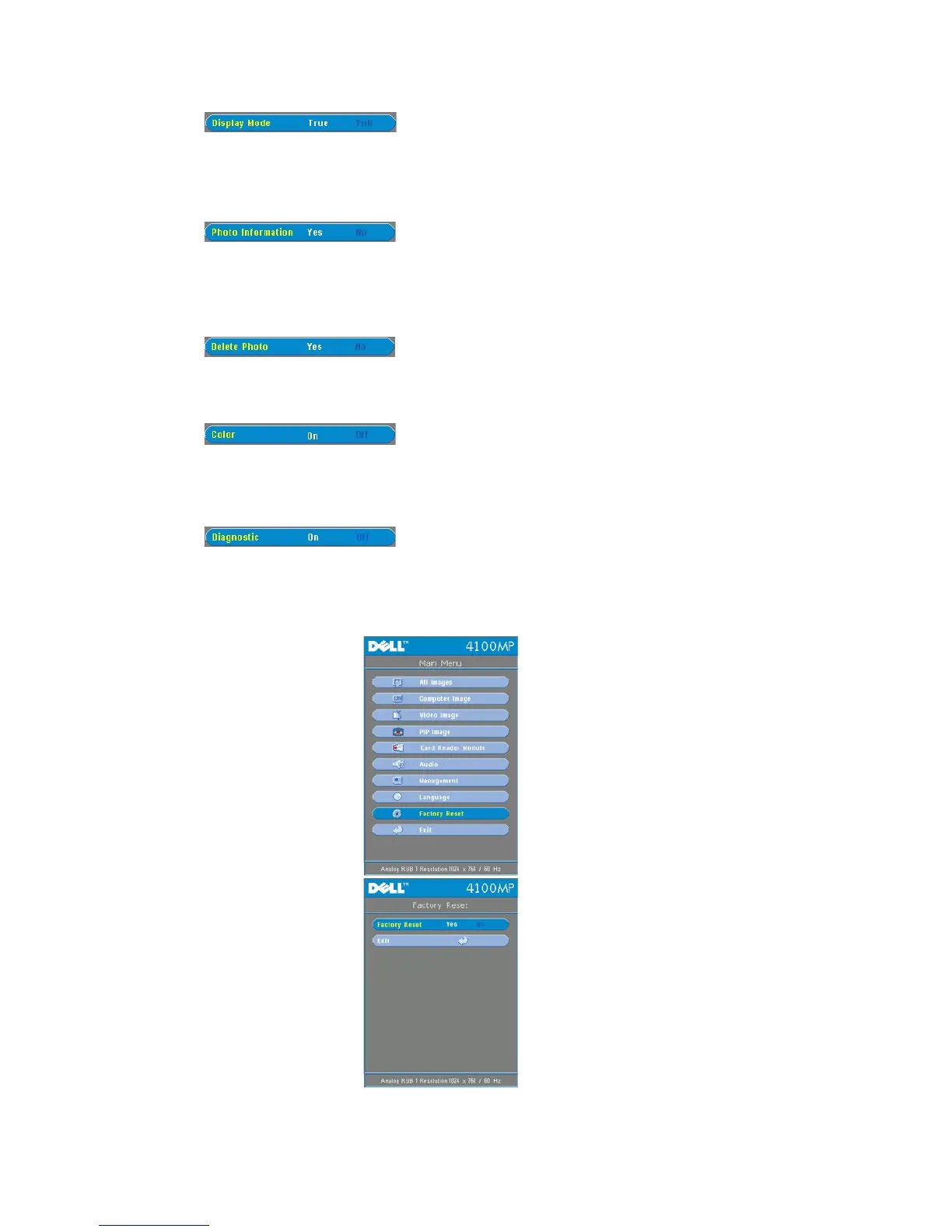
l Select True to display the photo image in native resolution.
l Select Full to scale the photo image to full screen.
Photo Information (Available at Normal, Pre-view and Slide Show modes)
l Select Yes to show the photo information on the screen.
l Select No to hide the photo information.
Delete Photo (Available at Normal mode only)
Select Yes to delete the photo image projected on the screen.
Color (Available at Normal, Pre-view and Slide Show modes)
l Select On to display the photo image in color mode.
l Select Off to display the photo image in black-and-white mode.
l Select On to run the Diagnostic test on the card reader.
l Select Off to exit the test.
Note: Please refer to the installation guide of the card reader for details.



 To Next Page