6 | P a g e This document is for regulatory purpose only.
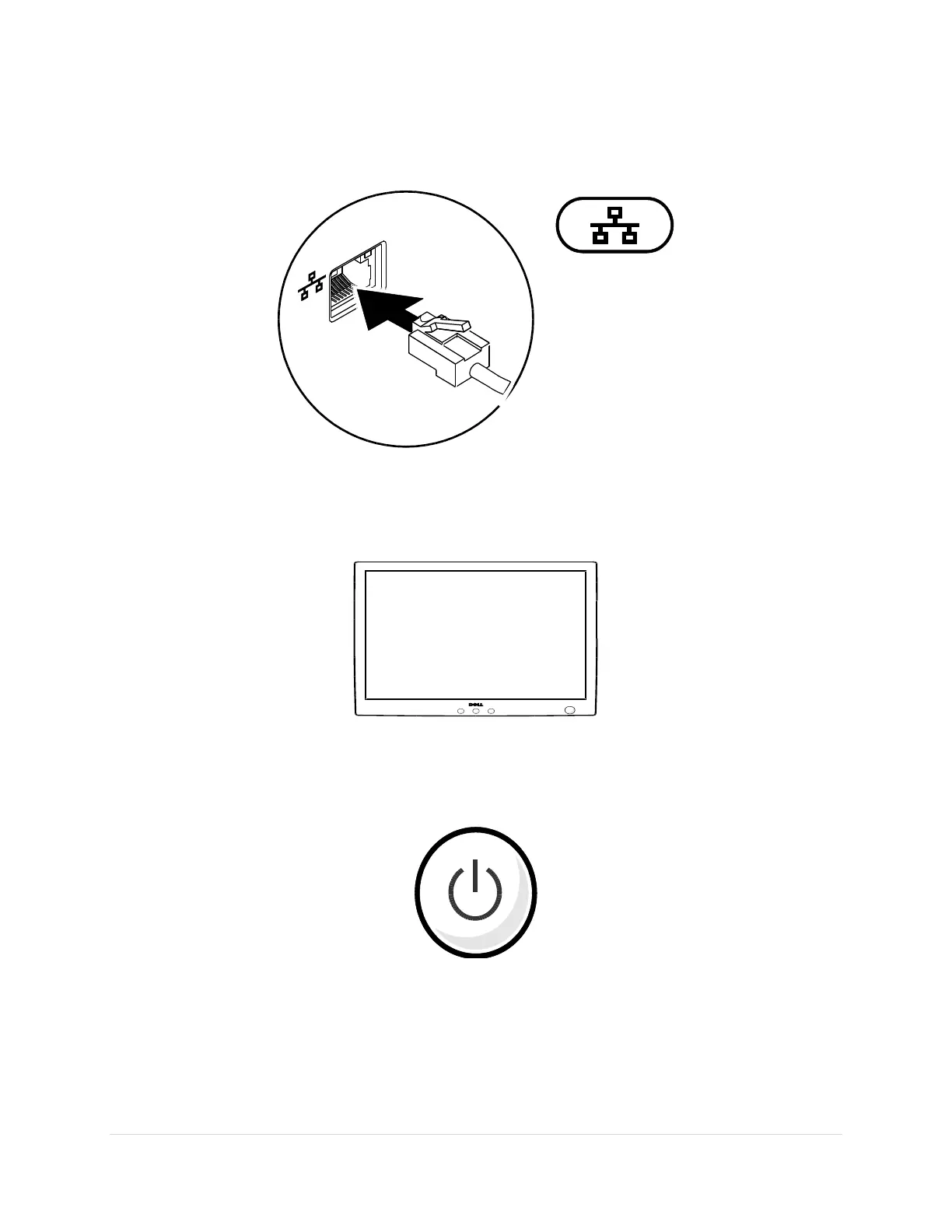
Connect the Network Cable (Optional)
To use a wired network connection, connect the network cable.
Connect an External Display (Only for Desktops)
Read the instructions that came with the display for more information.
Press the Power Button on the Computer (and Display if Connected).


 To Next Page