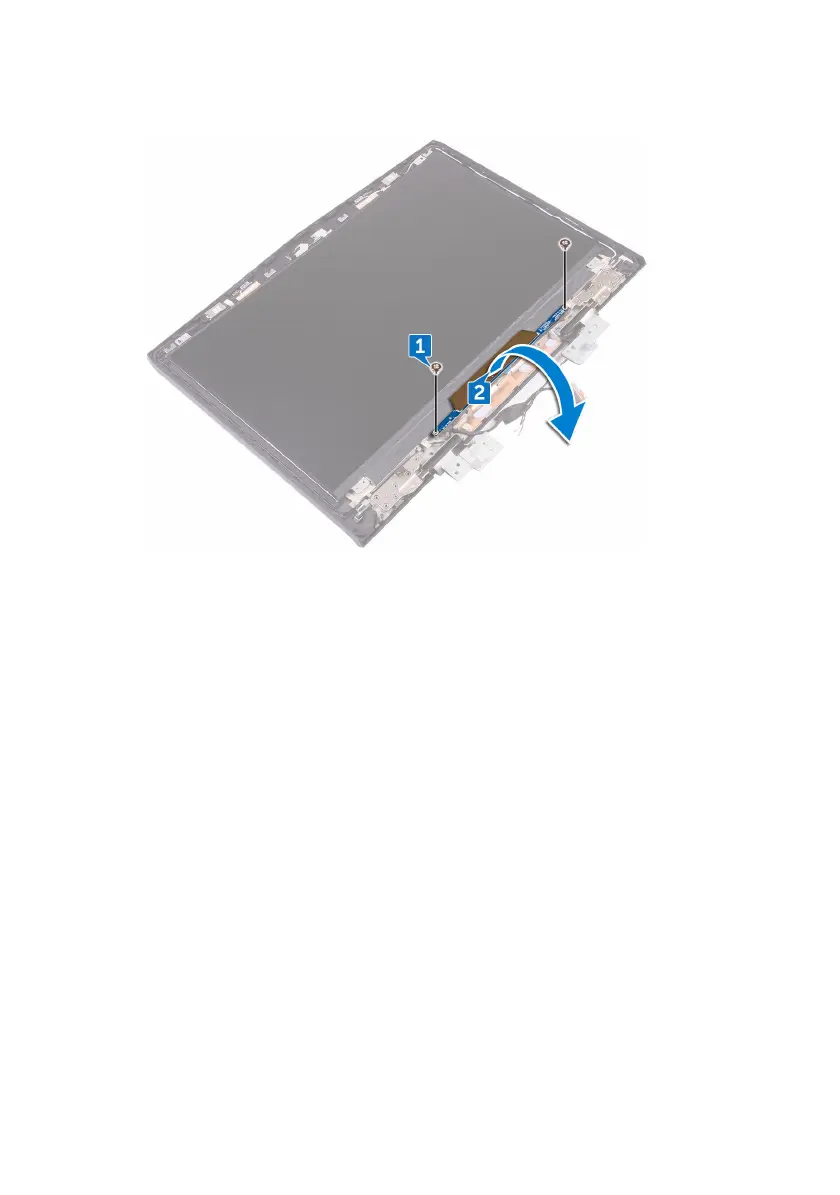
2 Turn the logo board over.
3 Disconnect the tron-light cable from the logo board.
4 Pull the latch that secures the Alienhead cable to the logo board.
5 Disconnect the Alienhead cable from the logo board.
6 Disconnect the logo-board cable from the logo board.
7 Disconnect the tron-light cable from the logo board.
101












 To Next Page