Procedure
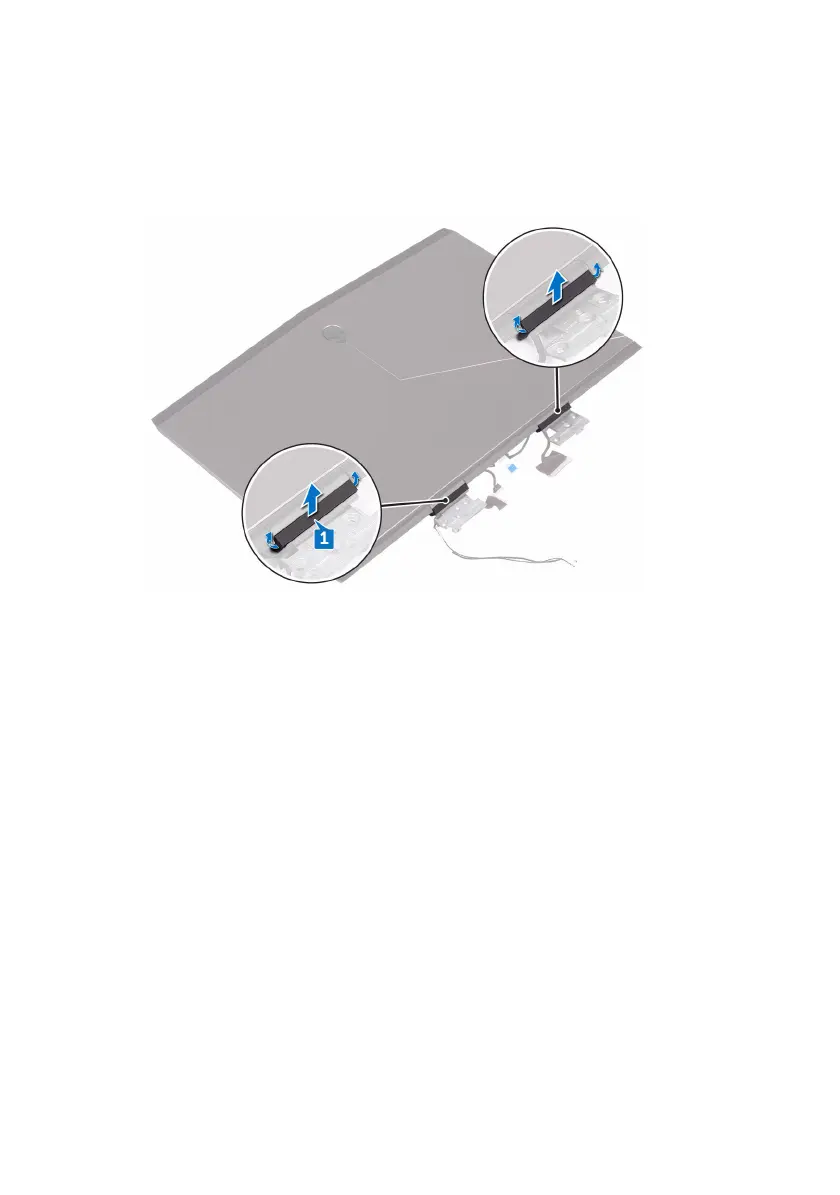
1 Remove the hinge caps and lift them off the hinges.
2 Turn the display assembly over.
3 Remove the display cable from the routing guide on the display back-cover
and antenna assembly.
4 Remove the tobii eye-tracker board cable from the routing guide on the
display back-cover and antenna assembly.
5 Remove the logo board cable from the routing guide on the display back-
cover and antenna assembly.
112












 To Next Page