038
038
/
CHAPTER 5: INSTALLING ADDITIONAL OR REPLACEMENT COMPONENTS
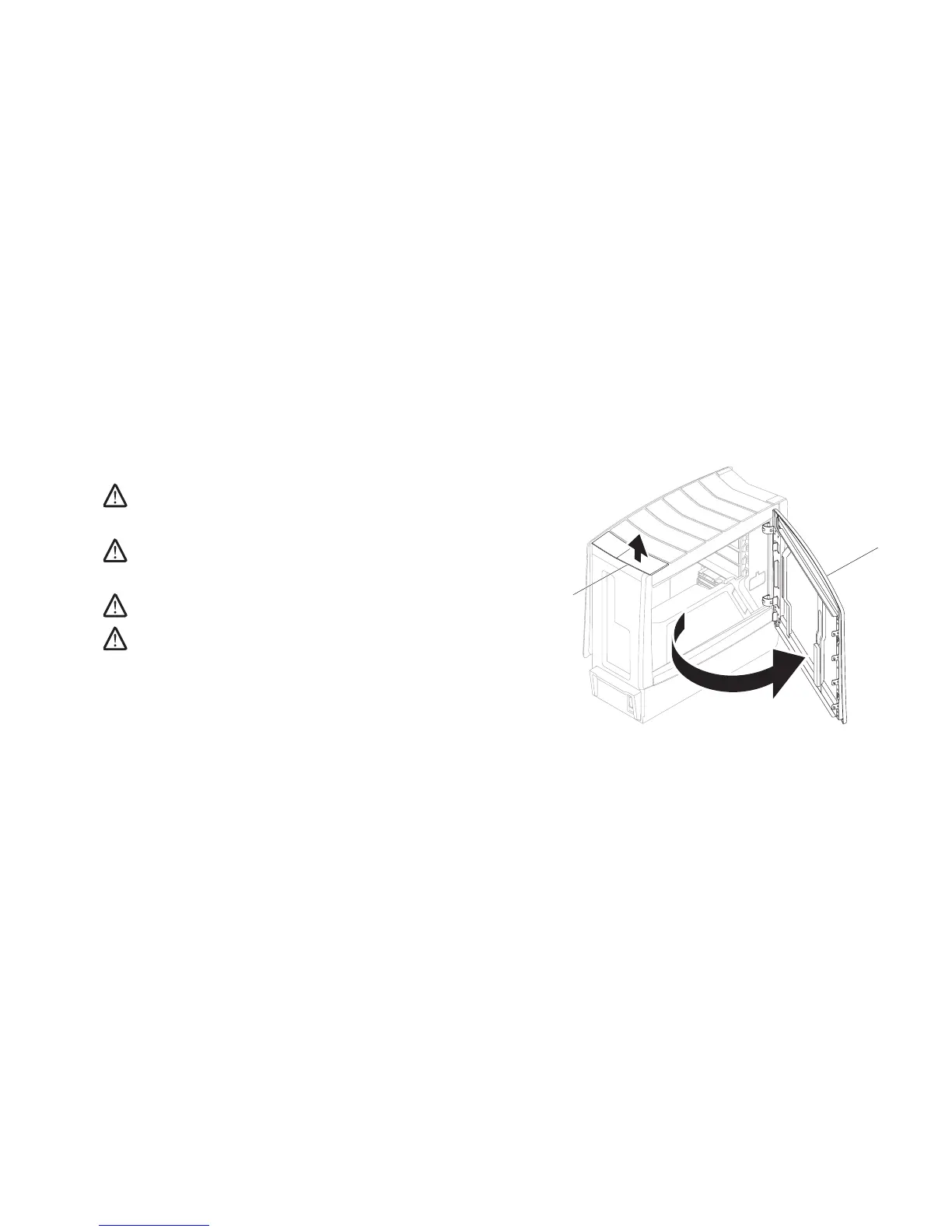
Opening and Closing the Side Panel
CAUTION: Before opening the side panel, disconnect the power cable
from your desktop.
Follow the instructions in “Before You Begin” on page 1. 36.
NOTE: Ensure that any attached security cable is removed before
attempting to lift the release panel.
Lift the release panel to open the side panel.2.
NOTE: eater lighting turns on automatically when the side panel is
removed. eater lighting is powered by internal batteries.
NOTE: To open the side panel on the right side, lift the release panel on the
right side.
To close the side panel, push the side panel against the side of the computer until
it locks into place.











 To Next Page