About Your Monitor 11
Label Description Use
1 Screw Hole For Accessory mounting.
2 Wire Saddle hole Accessory wire saddles placement.
3 VESA mounting holes (400
mm)
To mount the monitor.
4 Connector label Indicate the connector type.
5 Regulatory rating label Lists the regulatory approvals.
6 Barcode serial number label Refer to this label if you need to contact
Dell for technical support.
7 AC power connector Connect the monitor power cable.
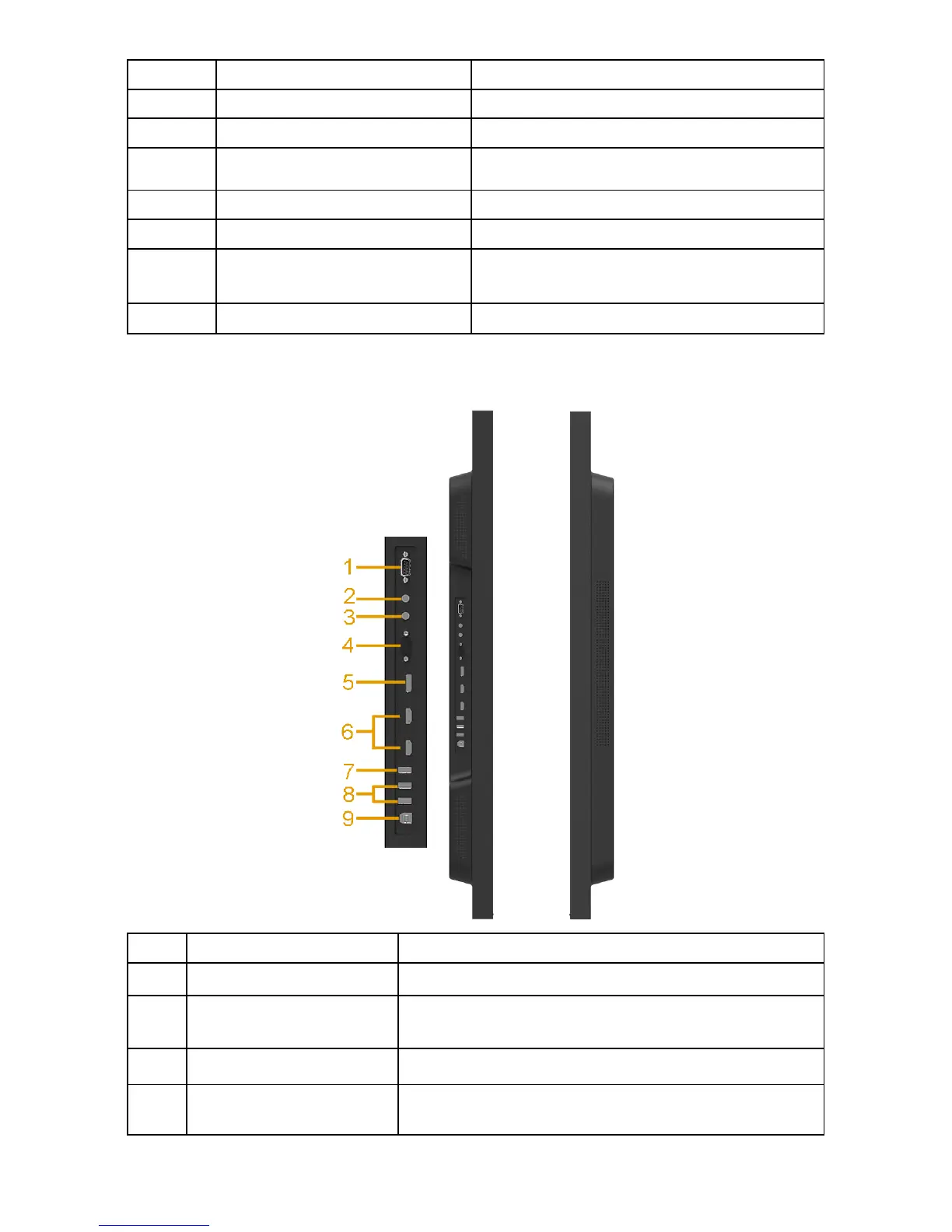
Side View
Label Description Use
1 RS232 connector Connect your computer with RS232 cable.
2 Audio Out Connect the soundbar mini stereo plug (Support
two channel output ).
3 Audio in Analog audio (two channel) input.
4 VGA connector Connect your computer to the monitor with VGA
cable.












 To Next Page