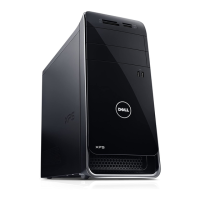
Dell OptiPlex 7010
Setup and Features Information
About Warnings
WARNING: A WARNING indicates a potential for property damage, personal injury,
or death.
Mini-Tower — Front and Back View
Figure 1. Front and Back View Of Mini-Tower
1. power button, power light
2. optical-drive bay (optional)
3. headphone connector
4. microphone connector
5. optical drive (optional)
6. optical-drive eject button
7. USB 2.0 connectors (2)
8. USB 3.0 connectors (2)
9. drive activity light
10. power supply diagnostic light
Regulatory Model: D05D, D09M, D03S, D01U
Regulatory Type: D05D002, D09M003,
D03S002, D01U003
2011 - 12

 Need help?
 General

 To Next Page