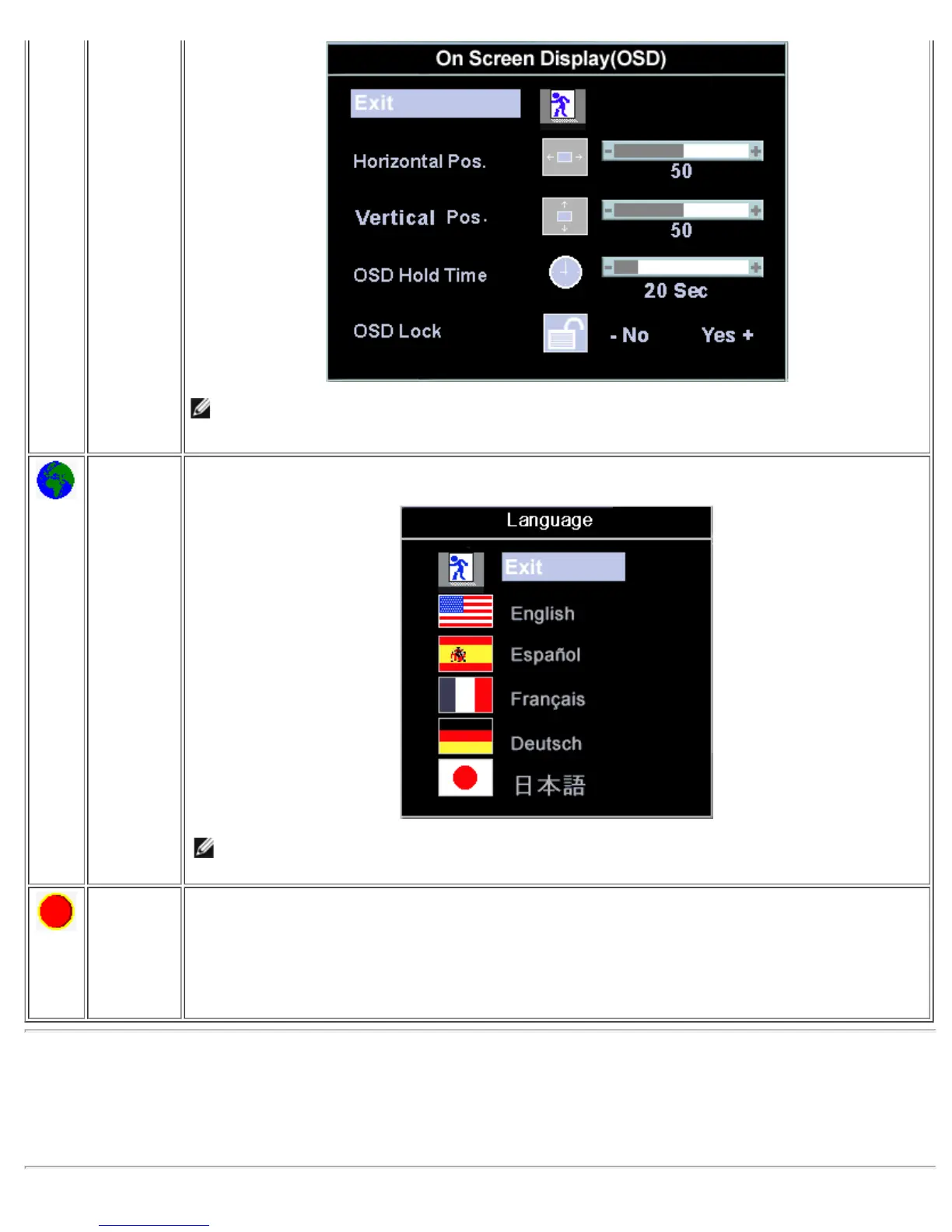
NOTE: When the OSD is locked, pressing the 'Menu' button will take the user directly to the 'OSD
settings' menu, with 'OSD Lock' preselected on entry. Select 'No'(-) to unlock and allow user access
to all applicable settings.
Language: Language sets the OSD to display in one of five languages (English, Español, Français, Deutsch,
Japanese).
NOTE: The language chosen affects only the language of the OSD. It has no effect on any software
running on the computer.
Factory
Reset:
'Factory Reset' returns the settings to the factory preset values for the selected group of functions.
'Exit' is used to exit out of 'Factory Reset' menu.
For 'All settings', all user adjustable settings are reset at one time except 'Language settings'.
Automatic Save
With the OSD open, if you make an adjustment and then either proceed to another menu, or exit the OSD, the monitor
automatically saves any adjustments you have made. If you make an adjustment and then wait for the OSD to disappear the
adjustment will also be saved.



 To Next Page