Back to Contents Page
Using Your Monitor Stand
DellT E177FP Flat Panel Monitor User's Guide
Attaching the Stand
Organizing Your Cables
Using the Tilt
Removing the Stand
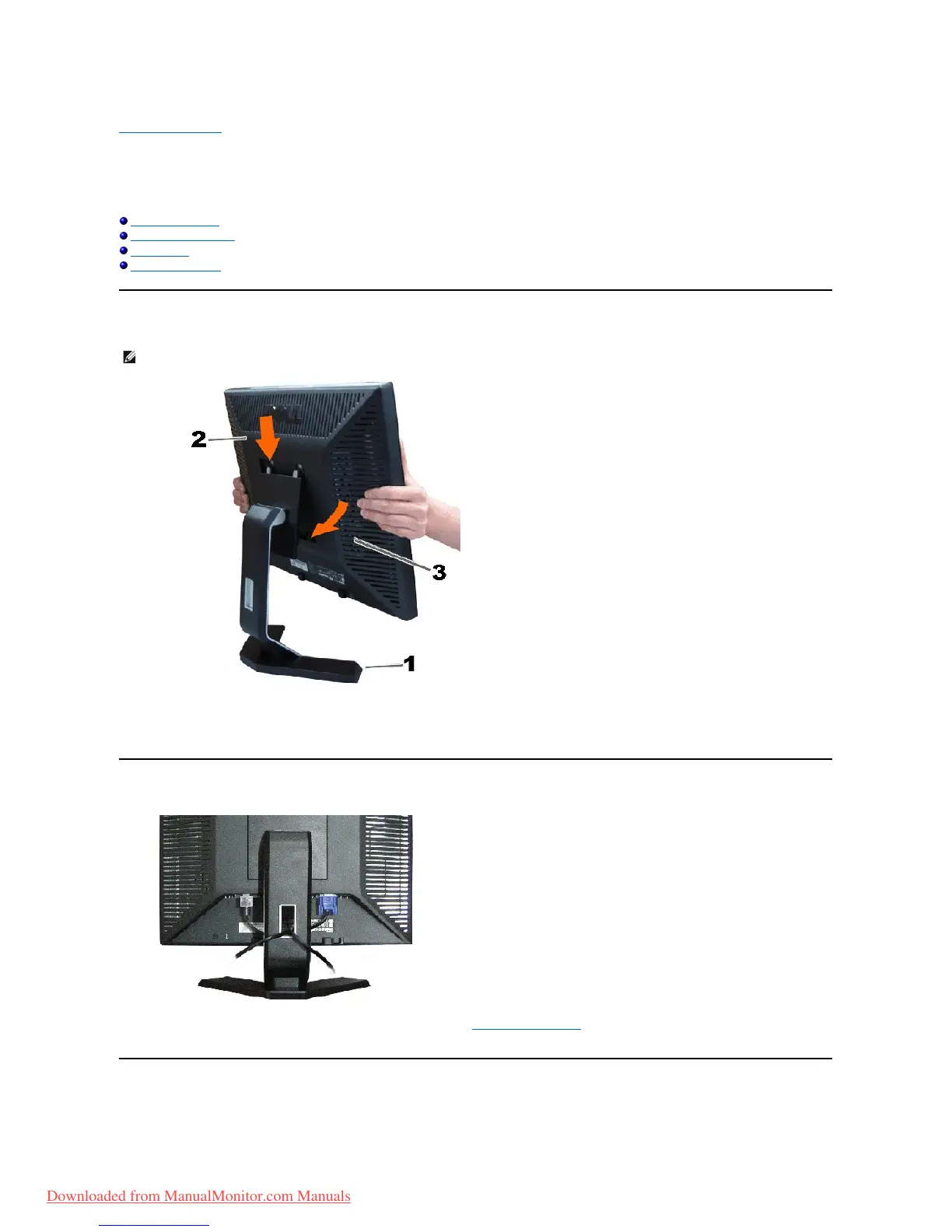
Attaching the Stand
1. Place the stand on a flat surface.
2. Fit the groove on the back of the monitor onto the two teeth of the upper stand.
3. Lower the monitor so that the monitor mounting area snaps on/locks to the stand.
Organizing Your Cables
After attaching all necessary cables to your monitor and computer, (See Connecting Your Monitor for cable attachment,) use the cable holder to
neatly organize all cables as shown above.
Using the Tilt



 To Next Page