Power Management Modes
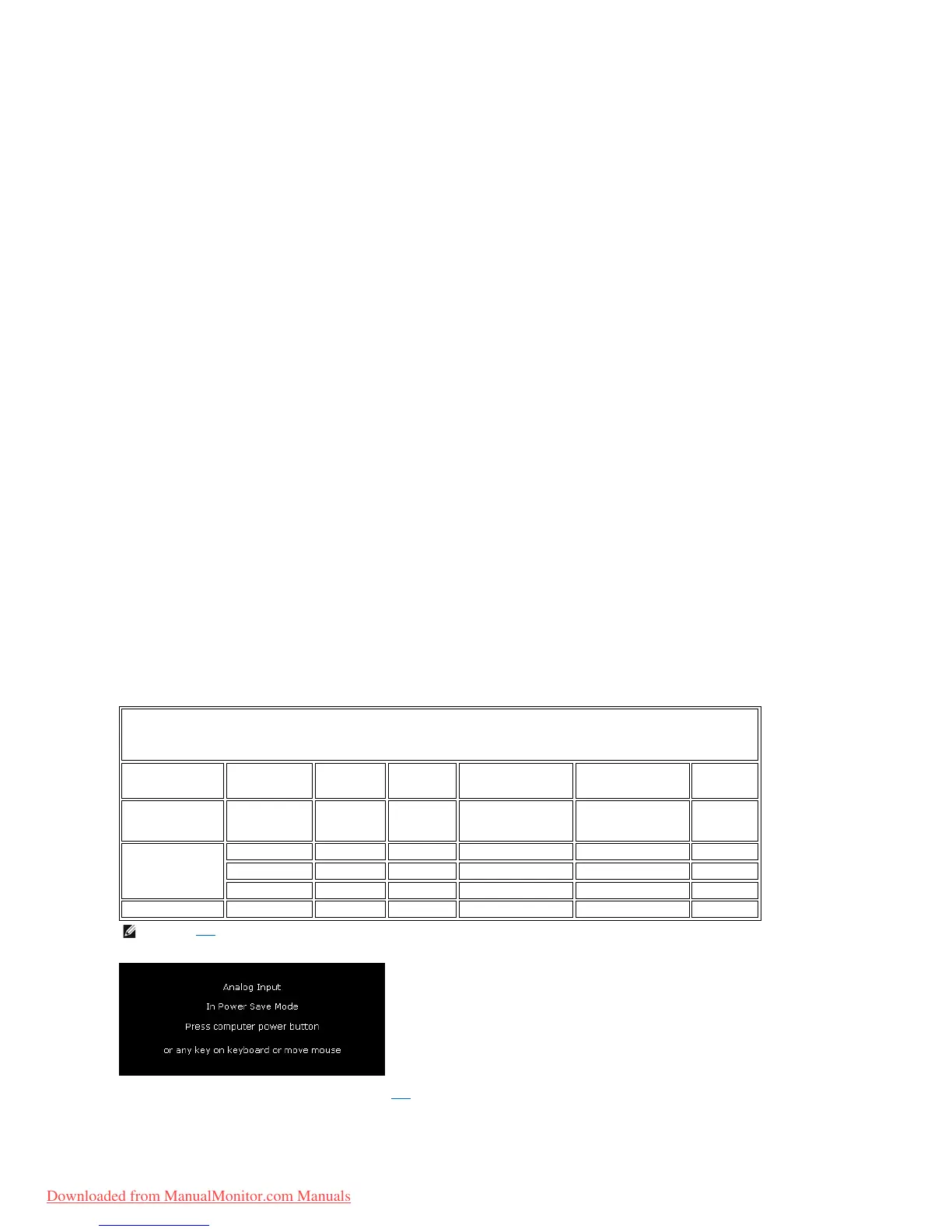
If you have VESA's DPMS compliance display card or software installed in your PC, the monitor can automatically reduce its power consumption when not in
use. This is referred to as 'Power Save Mode'. If input from keyboard, mouse or other input devices is detected by the computer, the monitor automatically
resumes functioning. The following table shows the power consumption and signaling of this automatic power saving feature:
Activate the computer and the monitor to gain access to the OSD.
Monitor Flat panel only (VESA Mode)
-20°to60°C(-4°to140°F)
10% to 80% (noncondensing)
5% to 90% (noncondensing)
3,657.6 m (12,000 ft) max
Power Management Definition
NOTE: The OSD will only function in the normal operation mode. Otherwise one of the following messages will appear
depending upon the selected input.
Downloaded from ManualMonitor.com Manuals



 To Next Page