137Fax
3. Enter the fax number.
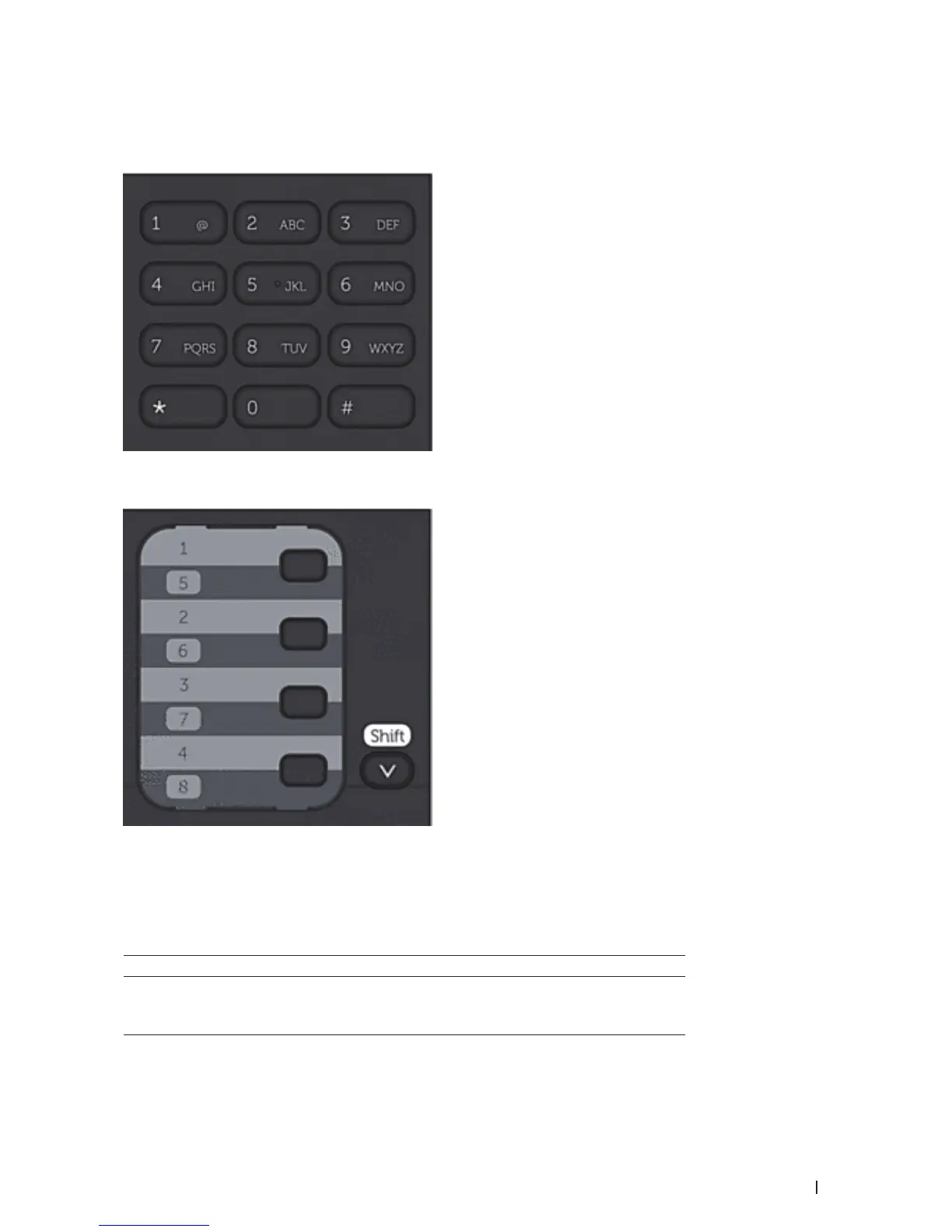
• Using the dial pad
Enter the fax number using the dial pad.
• Using the One Touch Buttons
Choose a contact stored on a One Touch button.
• Using the Speed Dial Codes
Enter the fax number by pressing p twice, and then enter the three-digit Speed Dial code.
4. Press Start.
The machine scans and sends the document.
If you placed the document on the scanner glass, follow the instructions in the table:
Option Description
Yes
To scan the next page, press 1 to select the Yes option, and
then place the next page on the scanner glass.
Press OK to scan the page.










 To Next Page